Phomemo

Phomemo TP81 Printina de Tattoo sem fio

$111.99 $169.99 Salvar 34%
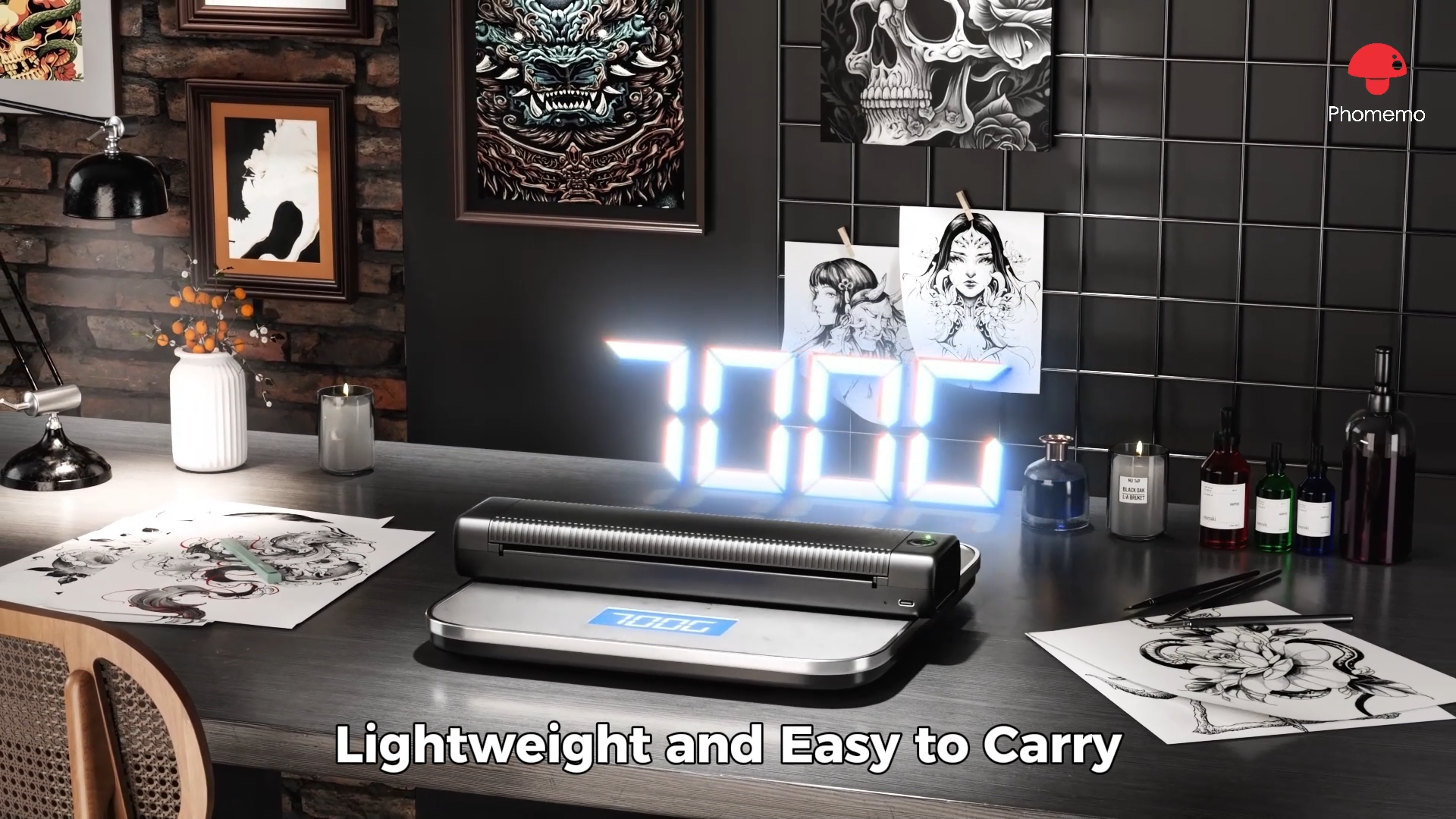
    • Compacto e leve: Pesa apenas 715g, tamanho 310x67x40mm
    • Grande capacidade de bateria: bateria de lítio, 1200mAh
    • Adapte-se a papéis de vários tamanhos: Personalizado para tatuadores, compatível com carta/A4 papel de transferência de tatuagem
    • Eficiência de impressão ultra-alta: Até 110 páginas de impressão contínua após o carregamento, com uma velocidade de impressão de 12 mm/s.
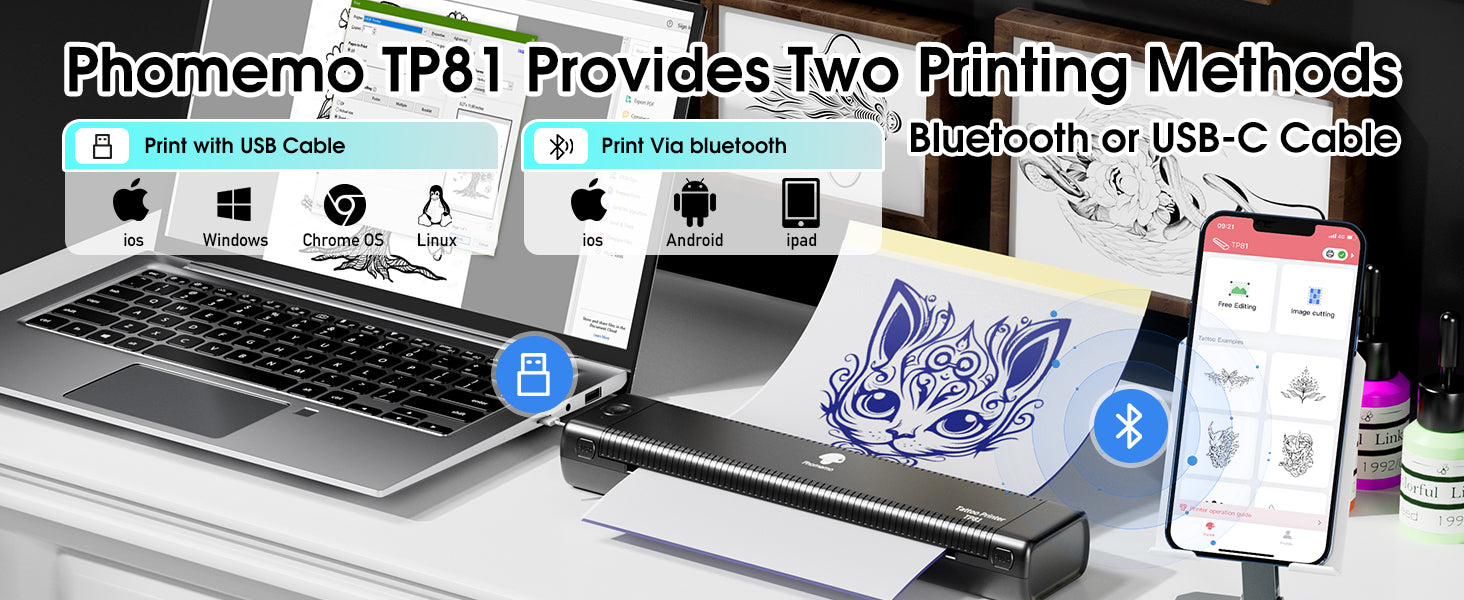
    • Alta compatibilidade: Compatível com celulares iOS e Android, tablets, laptops, computadores desktop e outros dispositivos
    • Suporte poderoso para funções de aplicativos: Impressão de documentos; Impressão de imagens; Impressão na Web; Digitalização
    • Alta definição: 203 dpi, imagens coloridas profundas, resultados de impressão suaves e processamento rápido
    • Impressão sem tinta: tecnologia térmica, sem tinta, toner, mais ecológica e eficiente

Saber mais

Cor: Black

Economize 18% de desconto com pacotes!

$200 $100
Total Price

Pay With Ease

PayPal Visa Mastercard Maestro JCB American Express Diners Club Discover Klarna Visa Electron Cartes Bancaires Apple Pay Google Pay Afterpay
Cor: Black

Phomemo TP81 Tattoo Stencil Printer (Upgraded)

Offers unprecedented convenience and creative possibilities for your tattoo creations.

Phomemo TP81 tattoo stencil printer, lightweight, easy to carry, offering convenience for tattoo designs

Compatibility with Your Devices

Phomemo TP81 supports Bluetooth or USB-C printing, compatible with iOS, Android, Windows, and more

Making your tattoo creation more convenient and flexible

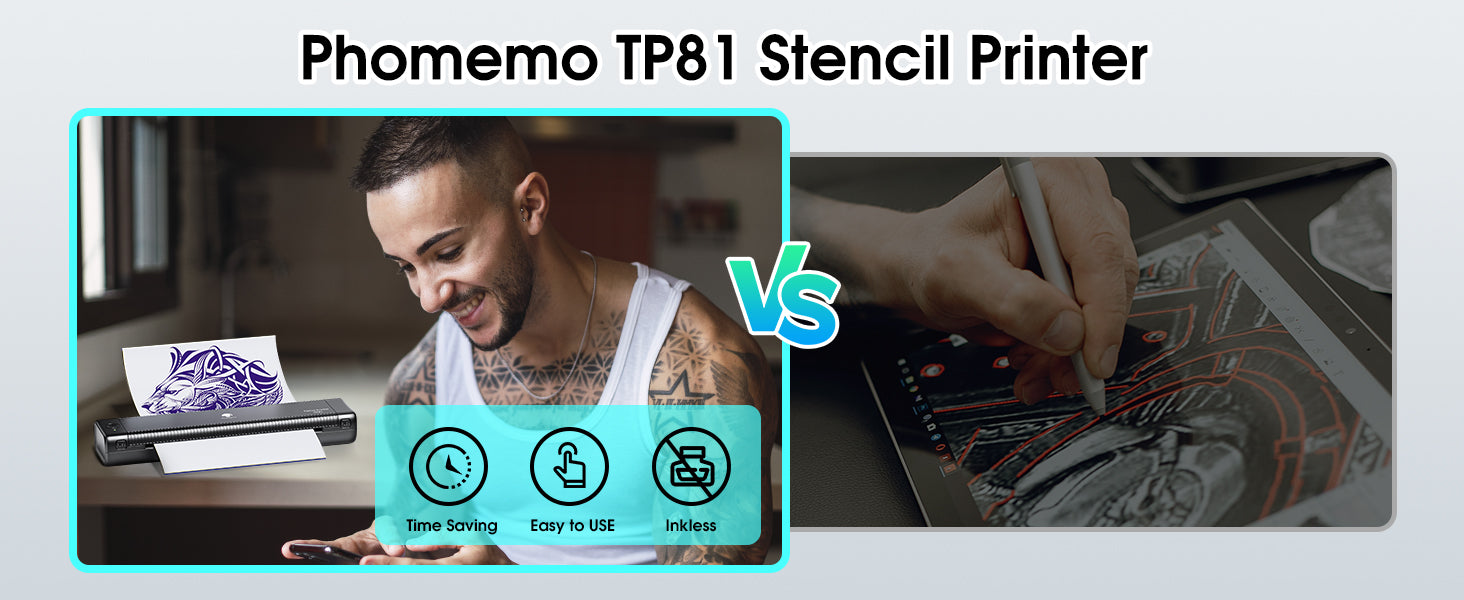
Phomemo TP81 stencil printer: time-saving, easy to use, inkless, vs manual tattoo drawing

Quick Start Steps

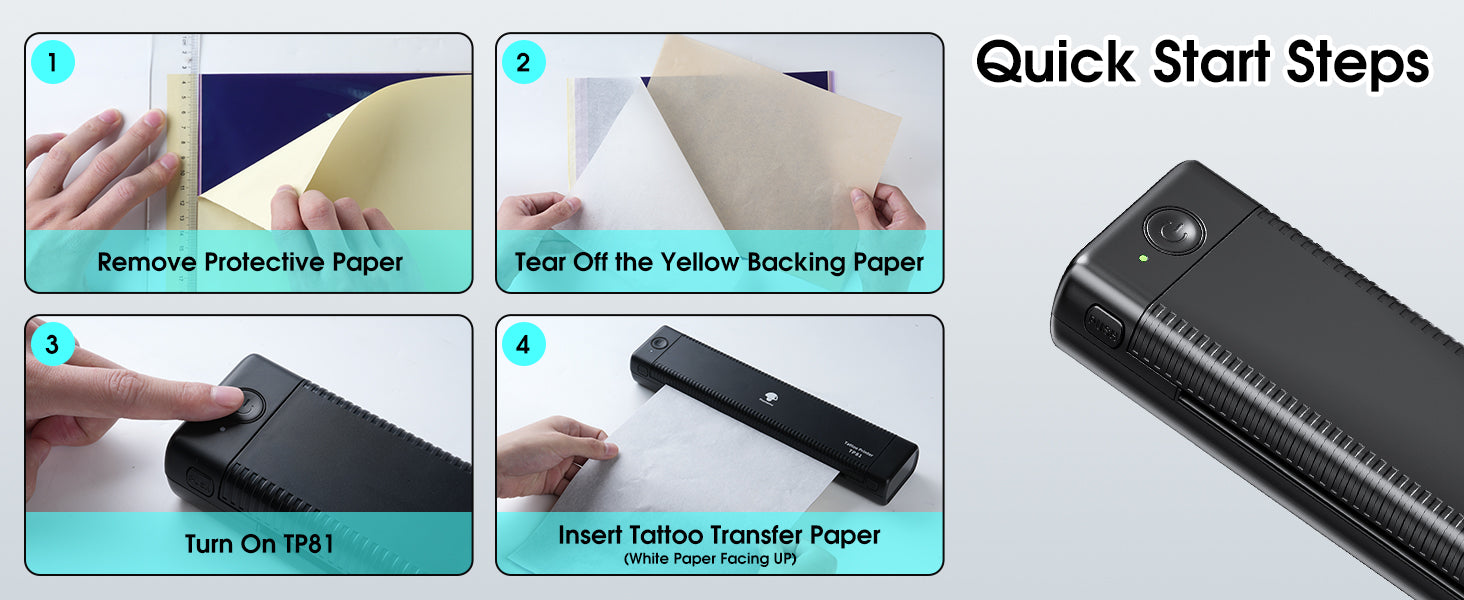
Phomemo TP81 quick start: remove protective paper, tear backing, turn on, and insert tattoo transfer paper to begin

Compatible Patterns

TP81-compatible-patterns.webp__PID:e6793357-8f95-4bee-9a13-63bddd46e42cTP81-compatible-patterns-p.webp__PID:7933578f-95db-4eda-9363-bddd46e42ce8

Easy to Use

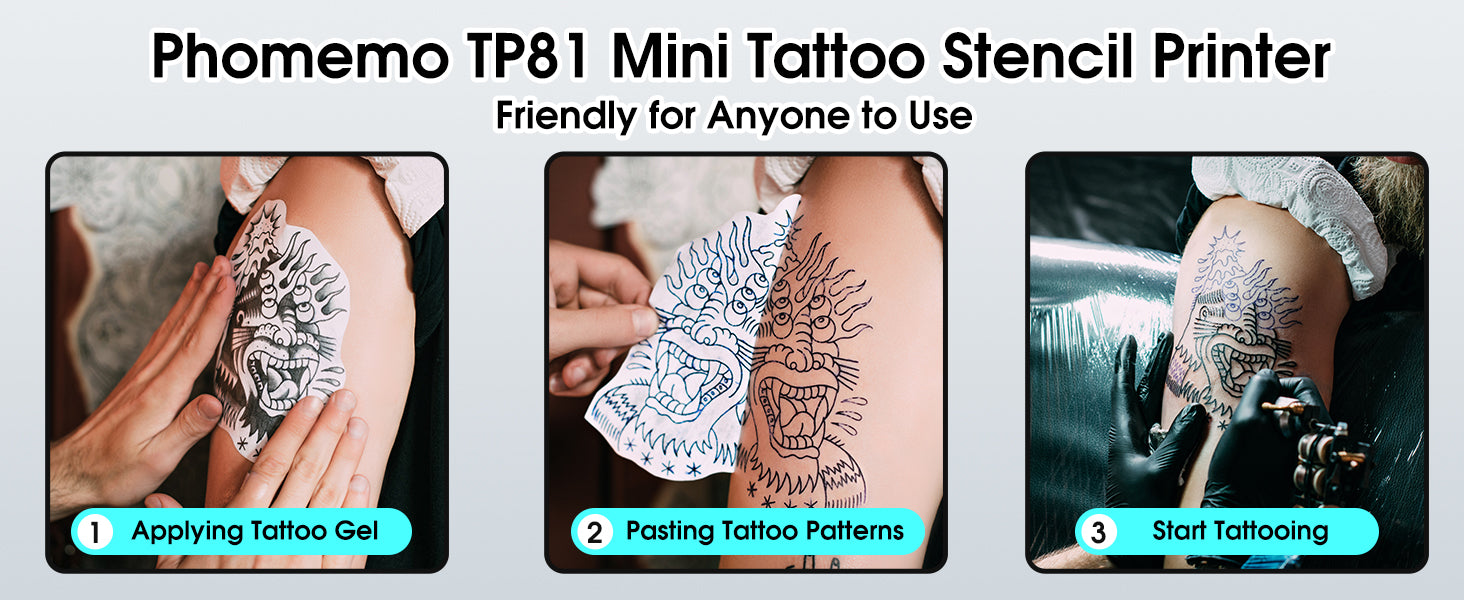
Phomemo TP81 mini tattoo stencil printer, easy to use for applying gel, pasting patterns, and starting tattoos

Easy to Use

Step 1.jpg__PID:538c82f1-e36c-4432-b8be-f3f7abe6fc8c

Step 1

Take off the clear sheet and pull out the yellow paper.
Connect your phone to TP81 using Bluetooth in the app.

Step2-TP81-stencil-printer-phone-connection.webp__PID:9faf3c85-30f6-4d2c-b5f3-0470ff4a4db9

Step 2

Download the Phomemo app, then pair your phone with the TP81 via Bluetooth. For computers, connect using a USB cable.

step-3-TP81-tattoo-stencil-printer.webp__PID:af3c8530-f66d-4cf5-b304-70ff4a4db9a1

Step 3

1. Hold the power button for about 2 seconds to turn the printer on.
2. Insert the tattoo paper with the white side facing up and the carbon sheet facing down, aligned evenly with the printer. 
3. Select your design in the app and print it out.

Step 4.jpg__PID:443278be-f3f7-4be6-bc8c-967c3b06b3a2

Step 4

Cut out your printed design. Apply stencil gel to the skin before placing the transfer.Use rubbing alcohol to clean off any extra stencil lines after applying.