
 Impresora de etiquetas de envío Bluetooth Phomemo PM241-BT
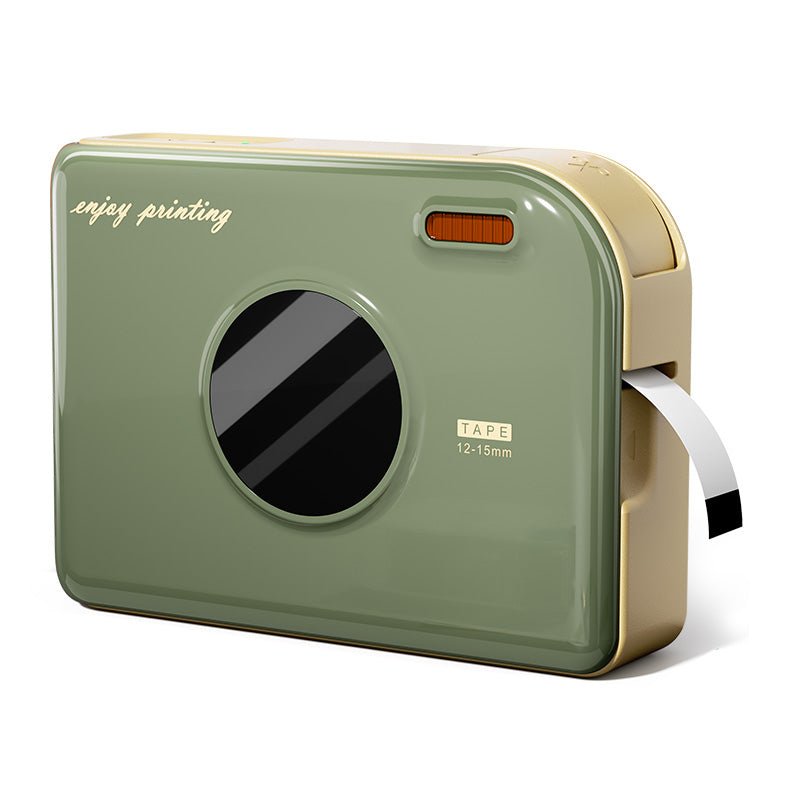 Impresora de Cintas Phomemo A30 Etiquetadora Portátil para el Hogar
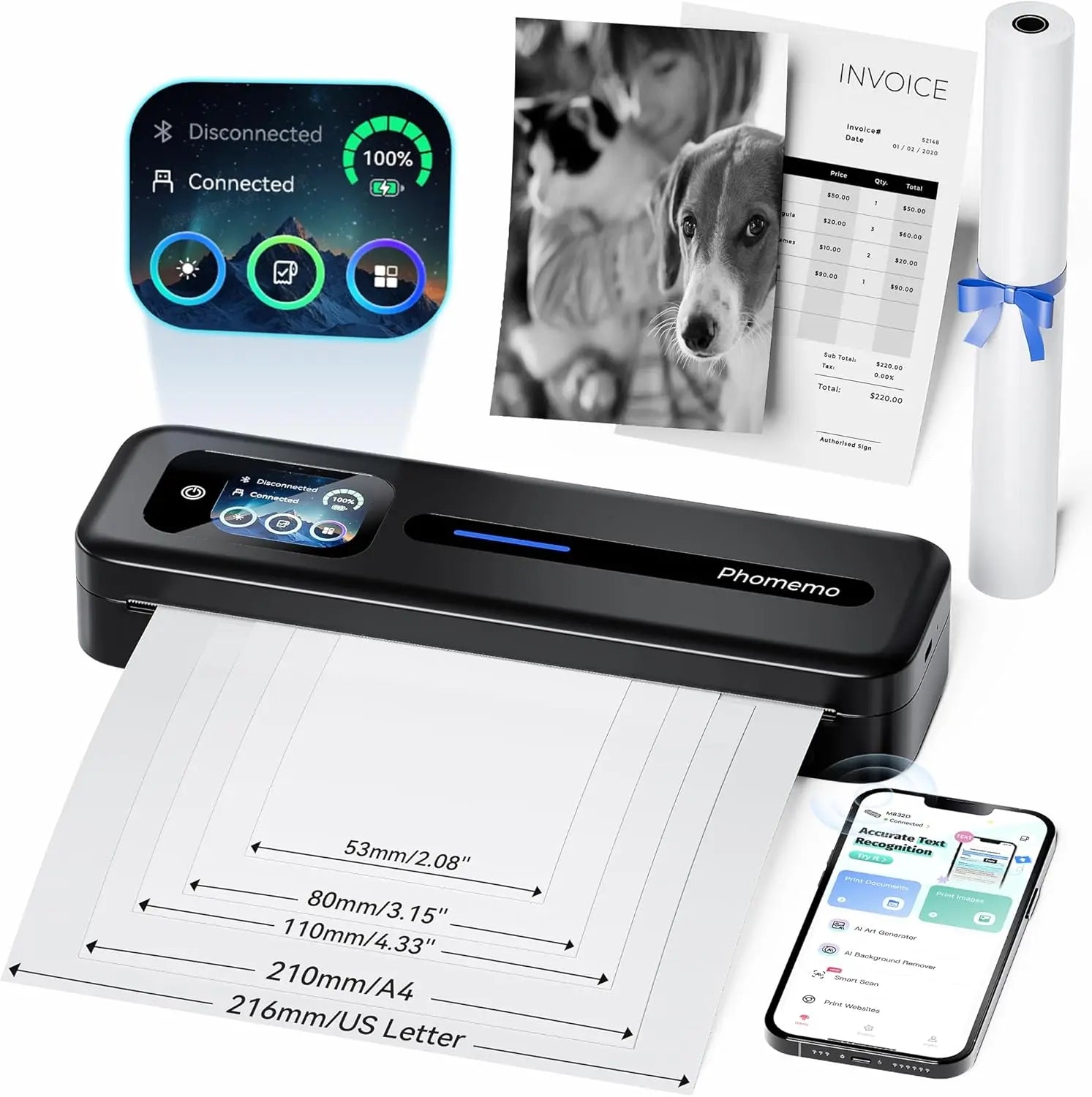 Impresora portátil térmica Phomemo M832D con pantalla táctil directa mejorada
 Phomemo M08F Plus Impresora inalámbrica de plantillas para tatuajes con pantalla táctil
 Phomemo Etiqueta redonda térmica múltiple de 2" para impresora de etiquetas de envío
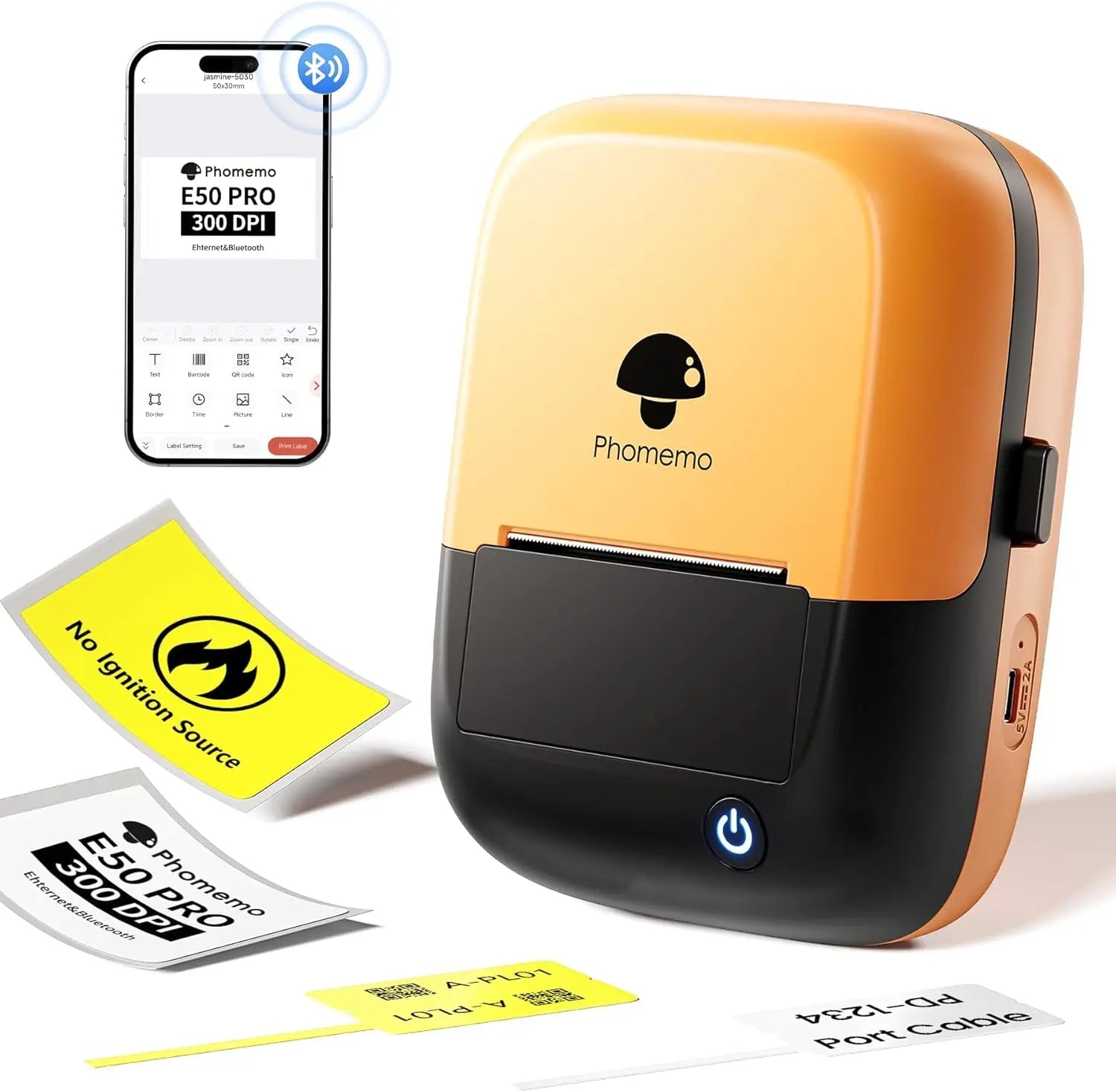 Phomemo E50Pro Industrial Bluetooth Portable Label Maker
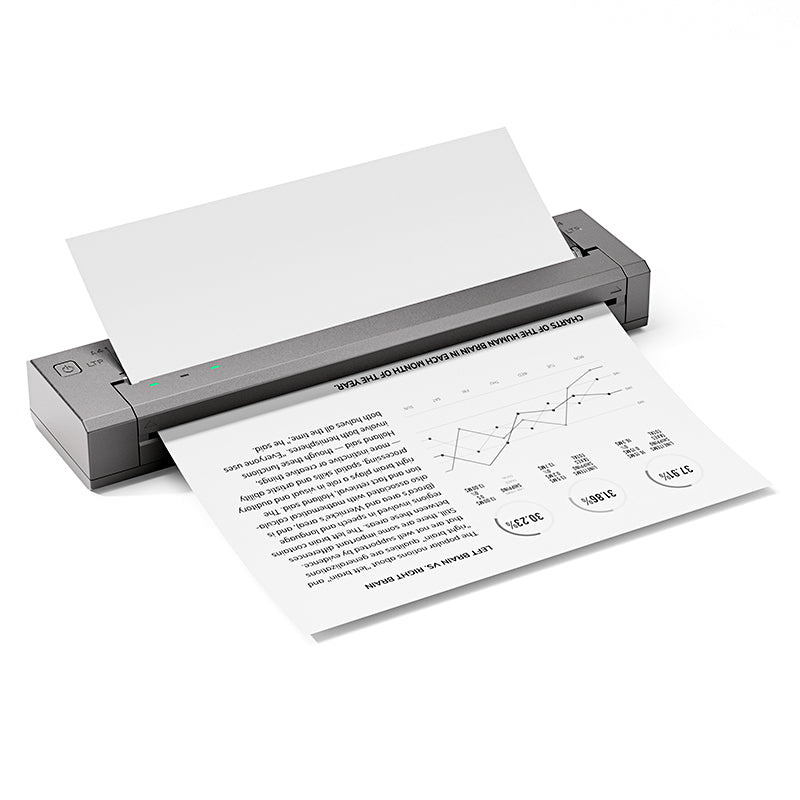 Phomemo G100 Pro Impresora portátil térmica directa
 Phomemo PM64D Impresora de Etiquetas de Envío Bluetooth Pantalla Táctil Directa Mejorada
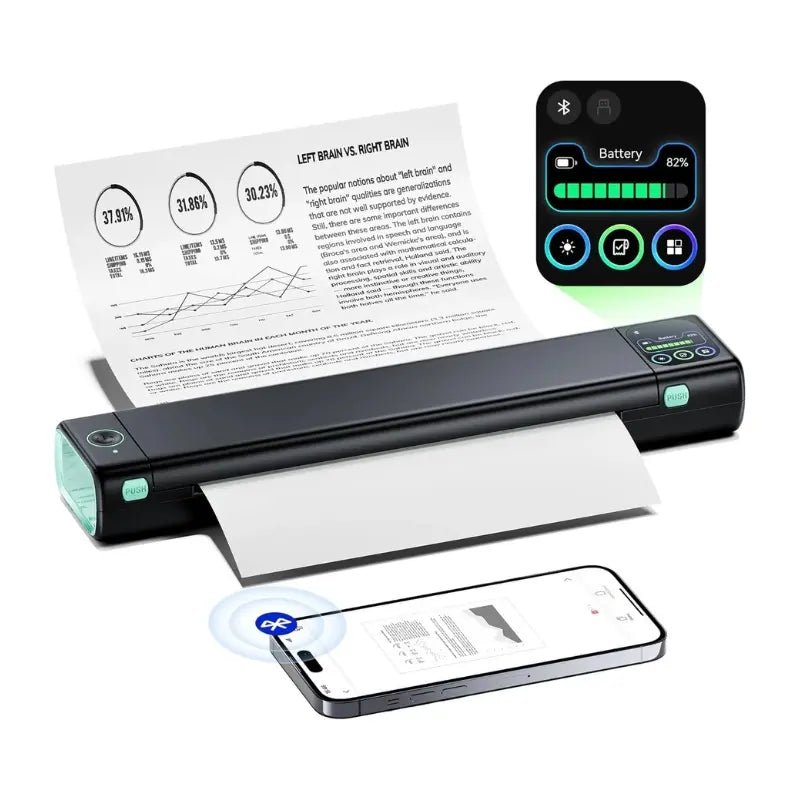 Impresora portátil mejorada Phomemo M08D Impresora térmica directa
 Set de regalo de impresora mini Phomemo M02
 Set de regalo de impresora mini Phomemo M02S
 Set de regalo Phomemo M110 impresora de etiquetas Bluetooth
 Phomemo M02 PRO Mini Impresora Set de Regalo
 Phomemo D30 Impresora de Etiquetas para el Hogar Bluetooth y Set de Regalo con 3 Rollos de Etiquetas
 Accesorios
 Bolsas de almacenamiento
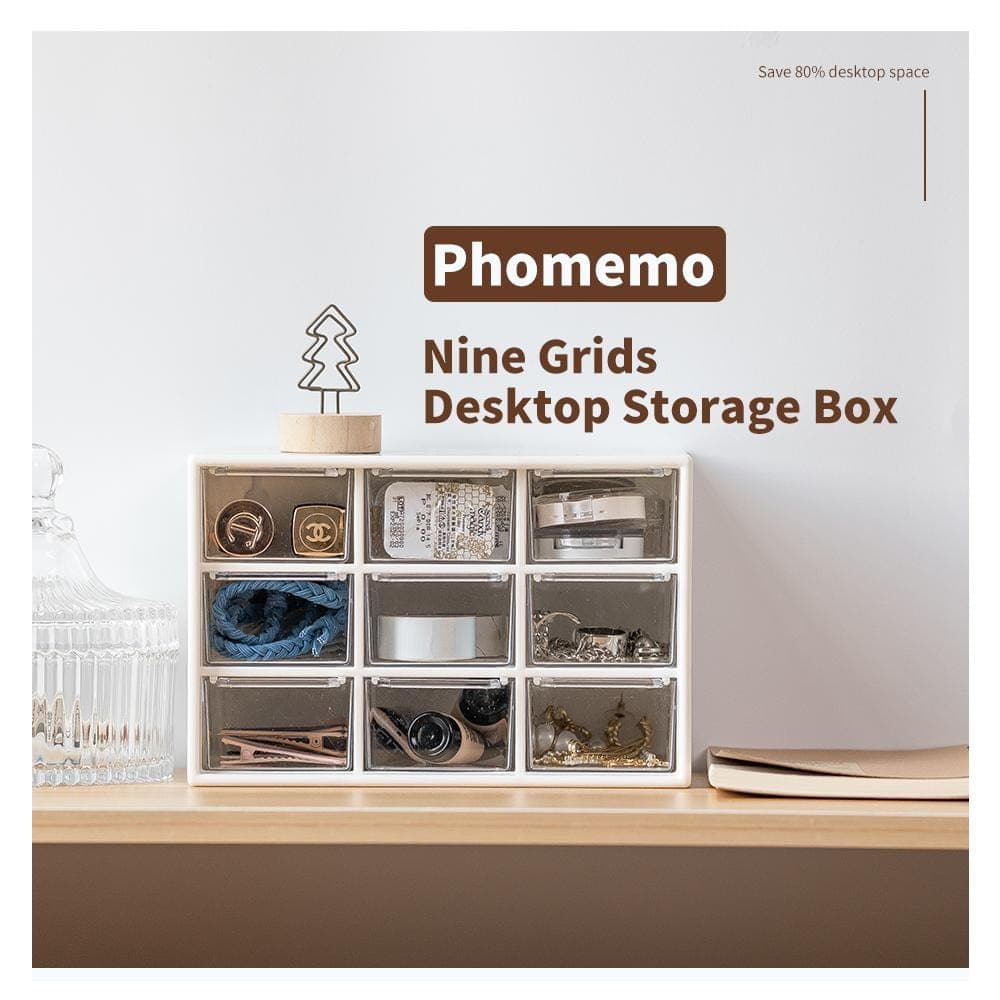 Cajas de almacenamiento
 Marcas de Fe | Una Colección Simbólica de Tatuajes de Espíritu y Fortaleza | Conjunto de Flash para Tatuajes
 Ink & Bloom | Una Colección de Sombras Elegantes y Emoción Floral | Set de Flash para Tatuajes
 Blade of the Oni | Demonios Internos Desatados | Set de Flash para Tatuajes
 Símbolos Wild | Mini Set de Tatuajes de Animales, Corazones e Iconos | Set de Flash para Tatuajes
 By Your Side | Conjunto de Flash para Tatuajes
 Phomemo M08F Impresora inalámbrica de plantillas para tatuajes
 Phomemo TP81 Impresora inalámbrica de plantillas para tatuajes
 Phomemo TP31 Impresora Mini de Plantillas para Tatuajes Bluetooth
 Phomemo TP87 Impresora inalámbrica de plantillas para tatuajes
 Phomemo M02 Impresora Mini Sin Tinta
 Phomemo M02 PRO Impresora Mini Bluetooth
 Phomemo M02S Impresora Mini Bluetooth
 Phomemo M04S Mini Impresora Térmica
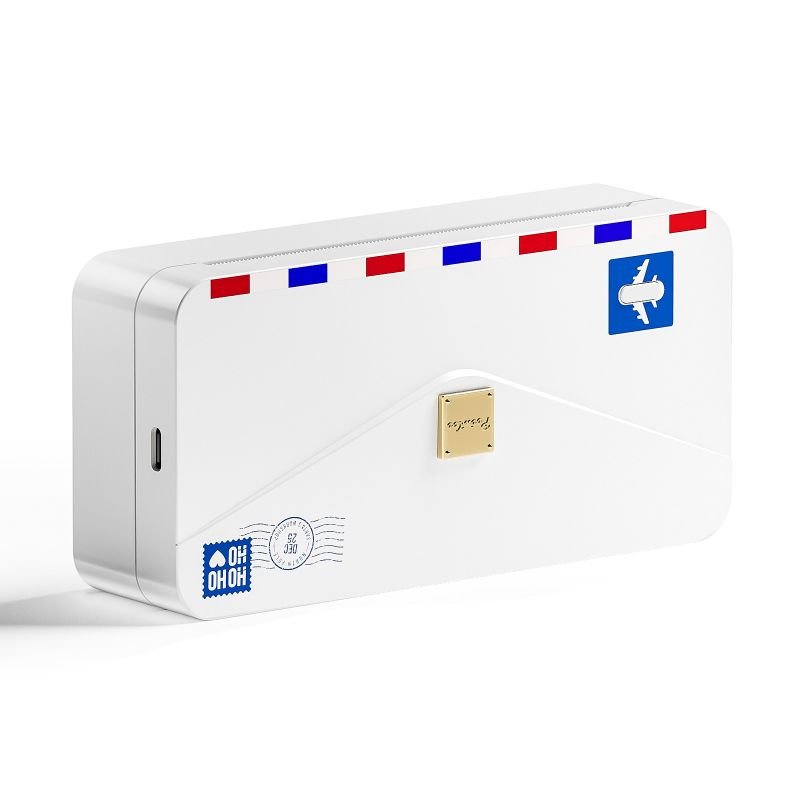 Phomemo M04AS Mini Impresora Térmica
 Phomemo D30 Etiquetadora portátil Bluetooth para el hogar
 Phomemo P12 Pro Impresora de Etiquetas Bluetooth para el Hogar
 Phomemo P15 Etiquetadora Vintage para el Hogar
 Phomemo D50 Gran Impresora de Etiquetas para el Hogar
Phomemo
Phomemo TP87 Impresora inalámbrica de plantillas para tatuajes
-
Compacto y Ligero: Pesa solo 715g, tamaño 310x67x40mm
-
Gran Capacidad de Batería: batería de litio, 1200mAh
-
Adaptable a Papel de Múltiples Tamaños: Personalizado para artistas del tatuaje, compatible con papel de transferencia de tatuajes tamaño carta/A4 papel de transferencia para tatuajes
-
Eficiencia de Impresión Ultra Alta: Hasta 110 páginas de impresión continua después de cargar, con una velocidad de impresión de 12mm/s.
-
Alta Compatibilidad: Compatible con teléfonos móviles iOS y Android, tabletas, laptops, computadoras de escritorio y otros dispositivos
-
Potente Soporte de Funciones en la App: Impresión de Documentos; Impresión de Imágenes; Impresión Web; Escaneo
-
Alta Definición: 203 dpi, imagen en color profundo, resultados de impresión suaves y procesamiento rápido
- Impresión sin Tinta: tecnología térmica, sin tinta, tóner, más ecológica y eficiente
Aprender más

Phomemo Upgraded TP87 Tattoo Stencil Printer
Phomemo TP87 adopts an upgraded wrinkle-resistant mode & high-resolution thermal technology. It delivers smooth lines and sharp edges without paper distortion or ghosting. Compared to traditional printers, TP87 offers superior stability & professional stencil quality.

Easy Bluetooth Connection for Faster Printing
Connect your TP87 tattoo printer in just 3 simple steps:
1. Download the Phomemo app.
2. Select “TP87” via Bluetooth.
3. Upload your tattoo design & start printing.
Compatible with both iOS & Android, TP87 enables wireless printing from your phone or tablet—no cables needed.

Upgraded Anti Wrinkle, Complex Patterns Will Be Printed Smoother Than Others
Offers unprecedented convenience and creative possibilities for your tattoo creations.
Thanks to its anti-wrinkle build & thermal printing mechanism, TP87 can precisely reproduce intricate elements like feathers, textures & floral linework. Perfect for detailed and large stencil transfers that stick well to the skin.


Smart Editing App – Design Without Limits
The exclusive Phomemo app gives you full creative control with features like:
1. Free cropping & rotating
2. Multi-pattern printing (up to 9 designs)
3. Large image tiling (up to 16 pages)
4. Adjustable transfer lines
5. Real-time tattoo preview on body
No Photoshop needed—even beginners can create professional results.

Easy to Use
TP87 works best with the following design types:
✔️ Simple linework & lettering
✔️ Geometric or totem patterns
✔️ Detailed black line illustrations
✖️ Not ideal for color patterns, complex shadows, or dark backgrounds
Choose the right artwork for optimal stencil results.


Step-by-Step Instruction

Step 1: Prepare the Transfer Paper
Remove the transparent protective film and peel off the yellow backing sheet.

Step 2: Connect Your Device
Install the app and connect your phone to TP87 via Bluetooth, or use a USB cable for PC use.

Step 3: Load and Print
1. Turn on the printer by holding the power button for 2 seconds.
2. Insert the paper with the white sheet facing up and the ribbon side facing down.
3. Open the app, select your tattoo design, and print.

Step 4: Apply the Tattoo
Cut out the design. Apply stencil cream on the skin and press the transfer down.Use alcohol to clean off any remaining stencil marks.
Frequently Asked Questions
Is the Phomemo M08F suitable for professional tattoo artists?
Yes. The Phomemo M08F is designed for professional tattoo artists who need consistent stencil quality in studios, guest spots, and mobile tattoo sessions. It delivers clean, sharp stencil lines suitable for detailed tattoo work.
What devices can I use with the M08F tattoo printer?
The M08F works with iOS, Android, Windows, and macOS devices. Tattoo artists can easily print stencils directly from smartphones, tablets, or laptops using Bluetooth or USB connections.
Can the M08F handle fine line and detailed tattoo designs?
Yes. With high-resolution thermal printing, the M08F accurately reproduces fine lines, small text, and detailed tattoo artwork, making it ideal for realism, linework, and lettering styles.
What type of tattoo stencil paper should I use?
The M08F is compatible with standard thermal tattoo transfer paper commonly used in professional tattoo studios. No ink or toner is required.
Is the M08F tattoo printer portable for guest spots or conventions?
Yes. Its lightweight and compact design makes the M08F easy to carry for conventions, guest tattoo sessions, and on-site work.
Does the M08F require ink or cartridges?
No. The M08F uses direct thermal printing technology, so there is no need for ink, ribbons, or cartridges.
How reliable are the stencils for long tattoo sessions?
When printed on quality thermal transfer paper, M08F stencils remain clear and stable throughout extended tattoo sessions.





