


I noticed many people's Phomemo M02 mini printer unboxing and bought it when it felt good. If you can make good use of it, it still brings a lot of convenience. You only need to connect to Bluetooth to print all kinds of paper. Because I am a handbook expert, I often use it when making handbooks. Let’s share some methods on how to use the Phomemo M02 printer!
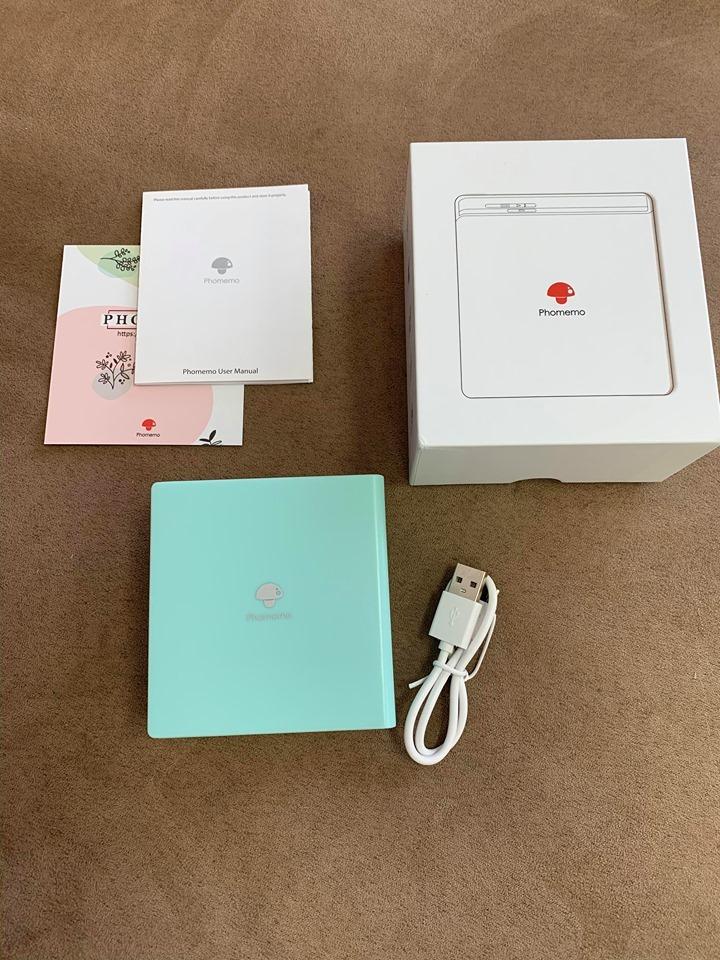
First comment on the appearance of Phomemo M02, exquisite and small, giving a fresh feeling. It can be carried with you. Generally, it can be used for half a month if it is not printed every day after fully charged.
As for the printing paper, because I used it for handbooks, I bought self-adhesive paper and textured paper, which saved the trouble of using glue. The principle of Phomemo M02 is thermal printing, so the content will disappear after a certain period of time, so it is not suitable for printing things that need to be stored forever. You can choose printing paper with a validity period of 5, 10, 20 years according to your own needs. In addition to plain paper and self-adhesive paper, there are also textured paper and translucent paper.
First, you need to download the Phomemo App in your phone, turn on the machine, connect with Bluetooth, and automatically search for the device, then click to successfully connect. There are many functions on the APP, and I often use the "Edit Note" function inside. In addition to being able to freely edit text, it can also mix graphics and text, and the printing effect is very good!
Find the "Banner" function in the toolbox to print a single large character, collage it in your account, and mark the key points.
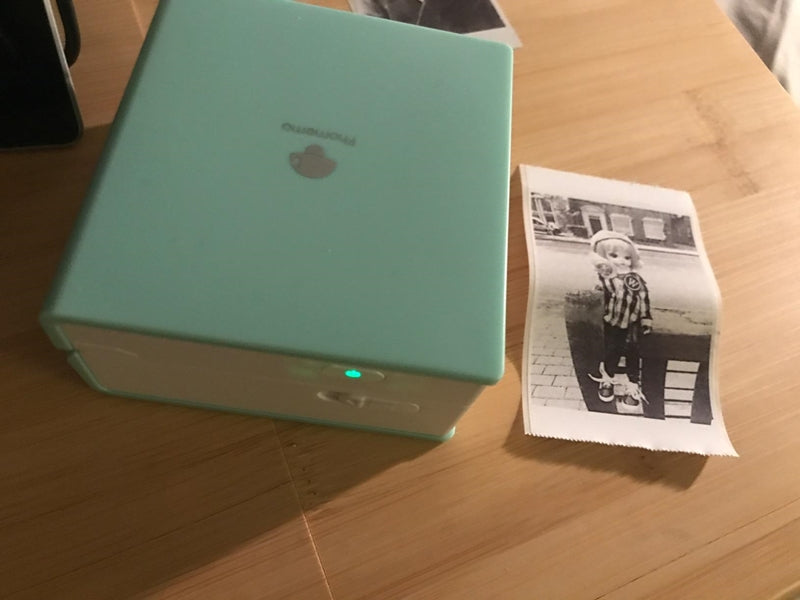
The template materials in the app also have some decorative frames and sticky notes that can be directly printed and used, or you can print your own collection of picture materials.
The effect printed by Phomemo M02 is black and white, and the printed material can be graffiti. You can also find some coloring patterns like the secret garden to color.
The entire use process is very easy to learn, almost zero obstacles. Print out a small one, which is perfect for making a pocketbook! You can also choose the printing density according to the effect you want to print, and of course also support horizontal and vertical typesetting. Phomemo M02 thermal paper change is also very convenient, just push the open button to replace it.
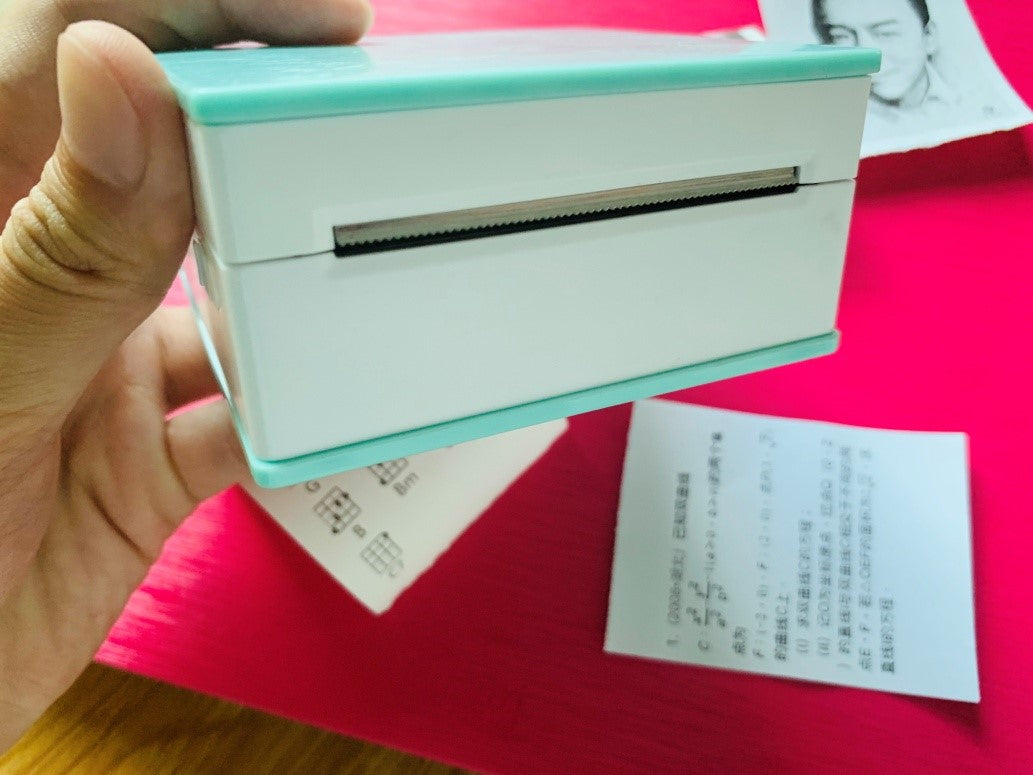
The paper exit is equipped with a serrated knife. As long as it is printed, it can be easily torn off by tearing it diagonally above, and the torn paper is neat and orderly.
Everyone is free to use creativity, not limited to rigid styles, and can print some new patterns. This is the Phomemo M02 Mini pocket printer gameplay that I use temporarily, and there are others to be explored by my friends, and you can share the fun if you find it!





Comment list
(2)How do you print a banner?
Lillian April 11, 2025Quick question. Is there a way to rename my Phomemo from “D30” on my Bluetooth from my phone’s device list to make it unique to me? Thanks!!!
Tyler April 11, 2025