
 Phomemo PM241-BT
 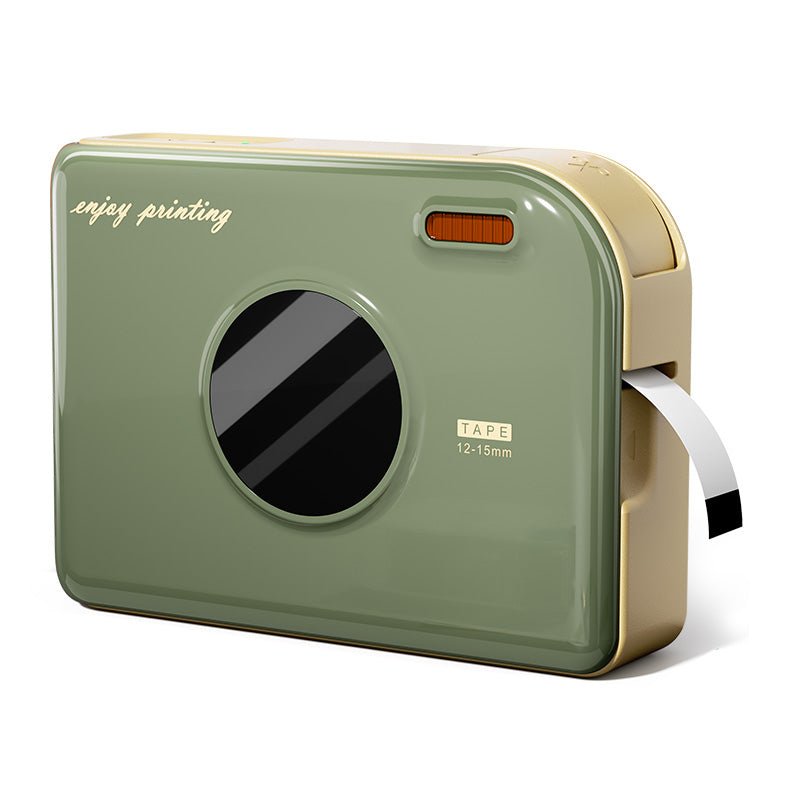 Phomemo Ribbon Impressora A30 Criadora de etiqueta portátil
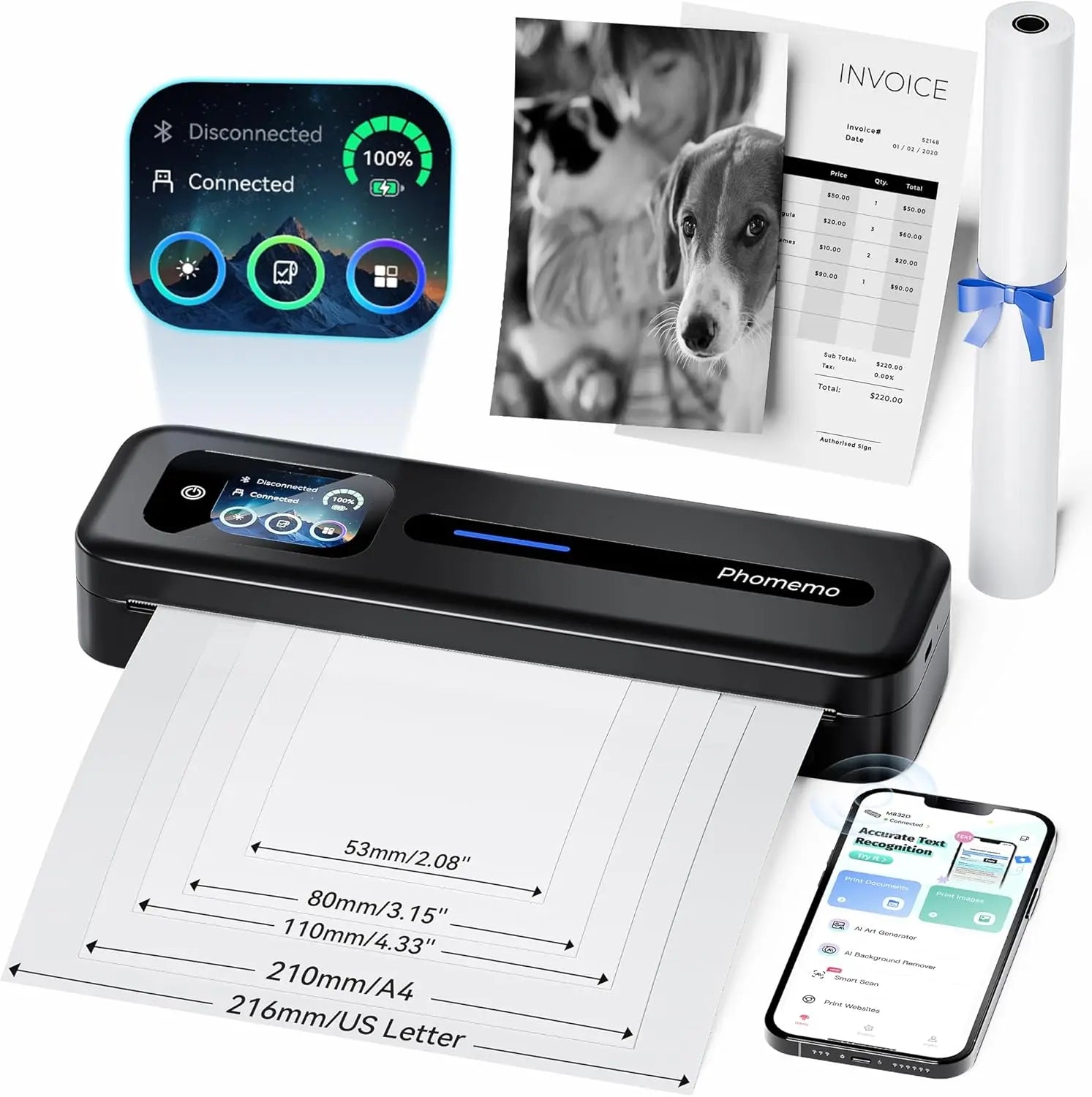 PHOMEMO THERMAL PORTABLE PRINTRA M832D Crega de toque direta atualizada
 Phomemo M08F Plus Impressora Sem Fio para Estêncil de Tatuagem com Tela Sensível ao Toque
 Phomemo 2" Etiquetas térmicas redondas múltiplas para impressora de etiquetas de remessa
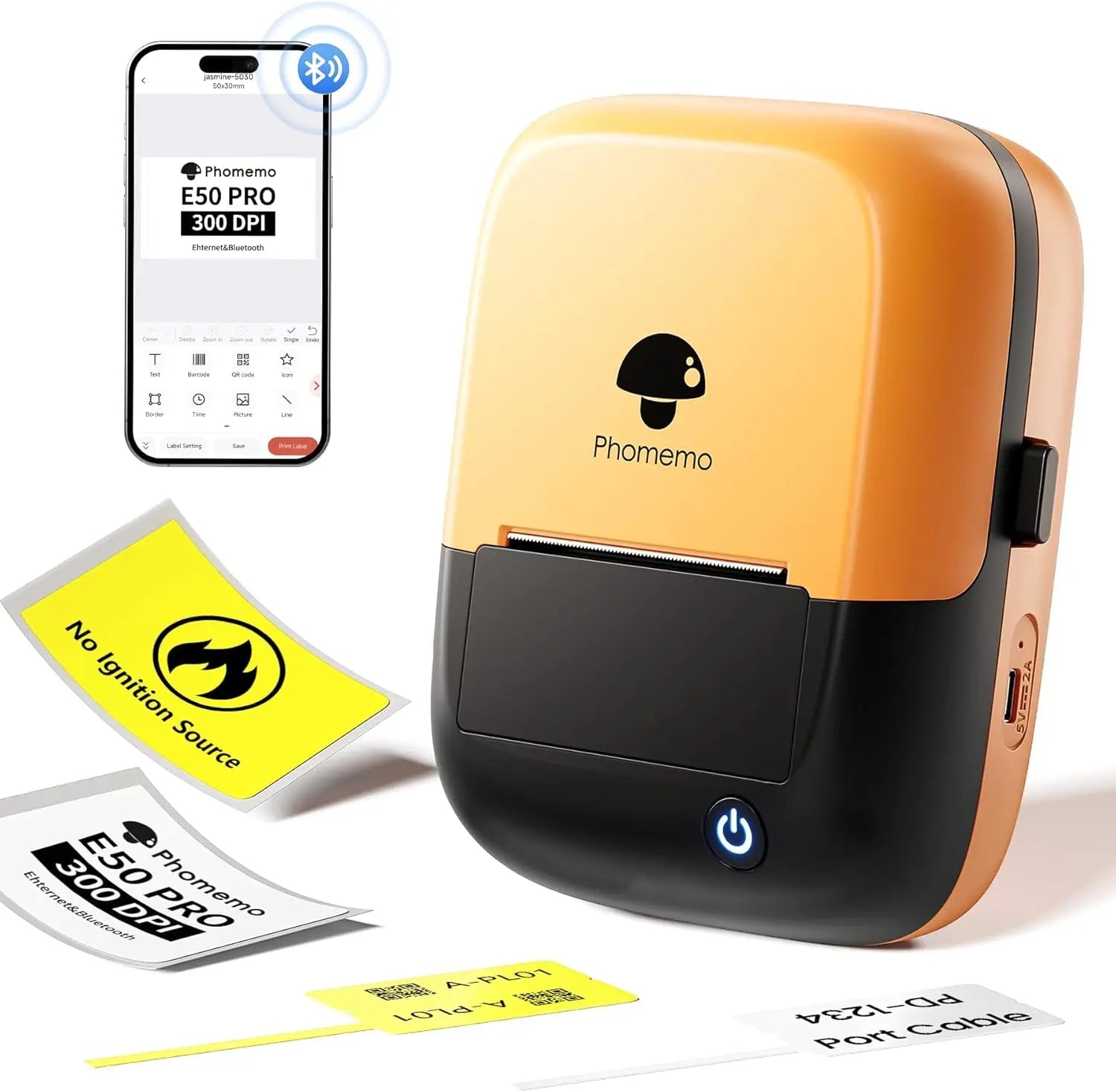 Phomemo E50Pro Industrial Bluetooth Portable Label Maker
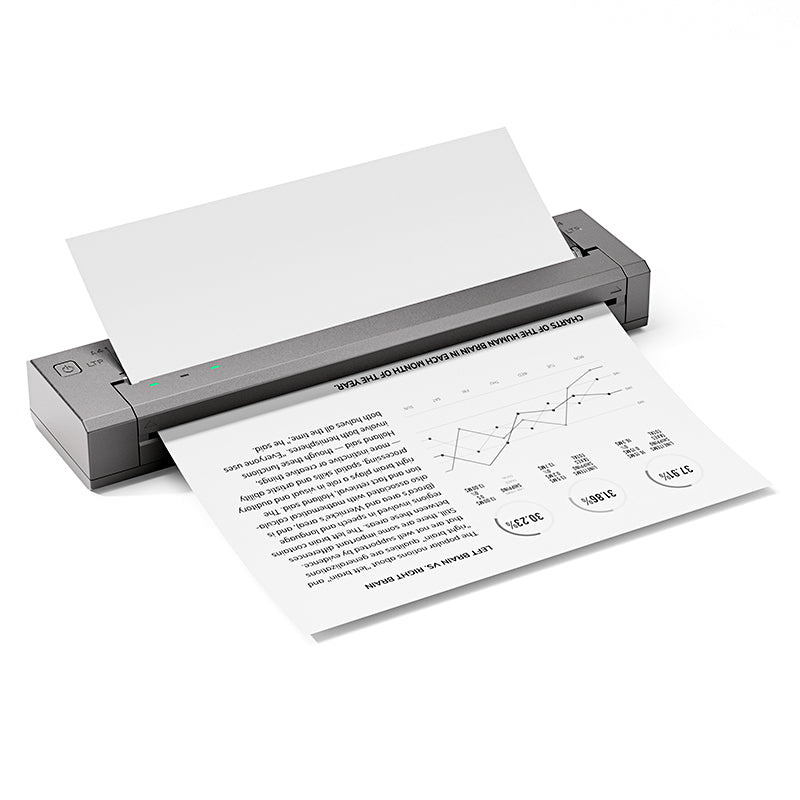 Phomemo G100 Pro Impressora Térmica Portátil Direta
 Phomemo PM64D Impressora de Etiquetas de Envio Bluetooth com Tela Sensível ao Toque Direta Atualizada
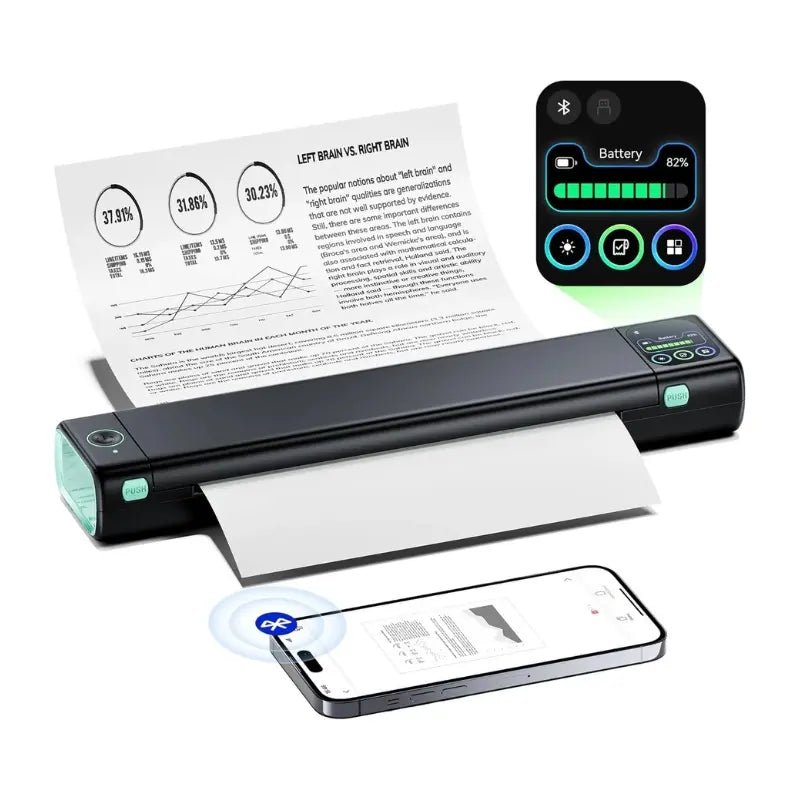 Phomemo Impressora Portátil Atualizada M08D Impressora Térmica Direta
 Conjunto de presentes da mini impressora Phomemo M02
 Phomemo M02S Mini Printer Gift Set
 Phomemo M110
  Phomemo M02 Pro Mini Printer Gift Set
 Phomemo D30
  Acessórios
 Sacos de armazenamento
 Caixas de armazenamento
 Marcas de fé | Uma coleção simbólica de tatuagens de espírito e força | Conjunto de flash de tatuagem
 Ink & Bloom | Uma coleção de sombras elegantes e emoção floral | Conjunto de flash de tatuagem
 Lâmina do Oni | Demônios internos desencadeados | Conjunto de flash de tatuagem
 Símbolos selvagens | Mini conjunto de animais, corações e ícones | Conjunto de flash de tatuagem
 Ao seu lado | Conjunto de flash de tatuagem
 Phomemo M08F Printina de estêncil de tatuagem sem fio
 Phomemo TP81 Printina de Tattoo sem fio
 Phomemo TP31
  Phomemo TP87 Impressora de Tattoo sem fio
 Phomemo M02 Mini Impressora sem tinta
 Phomemo M02 PRO
  Phomemo M02S
  Phomemo M04S Mini Térmico Impressora
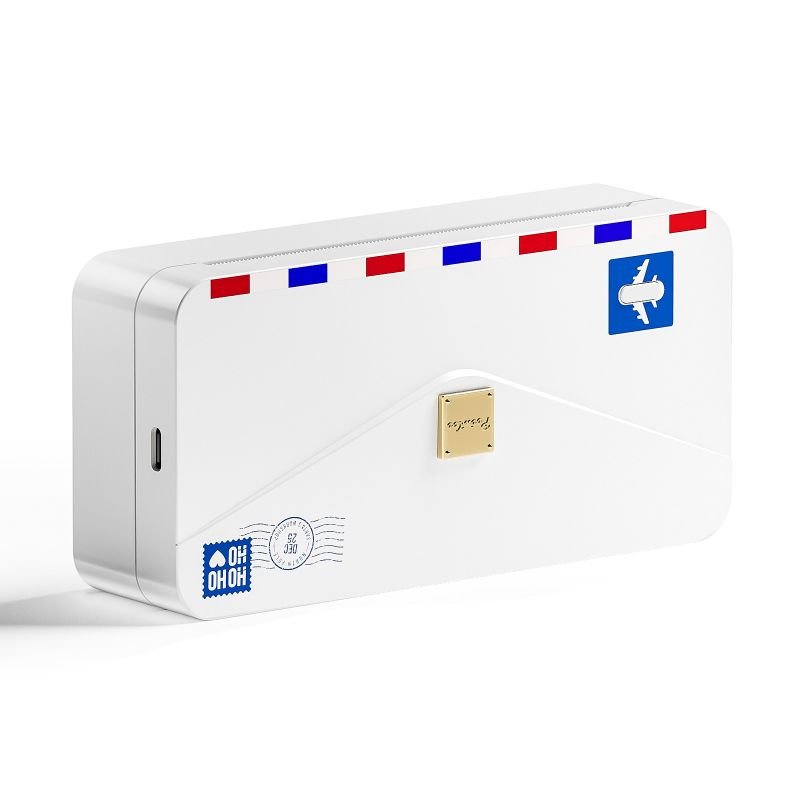 Phomemo M04AS Mini Térmica Impressora
 Phomemo D30 Portátil
  Phomemo P12 Pro
  Fabricante de gravadoras vintage phomemo p15
 Fabricante de gravadoras caseiras Phomemo D50
Phomemo
Phomemo D30 Portátil Blue Máquina de etiquetar dentes
$5.79
Save EXTRA $5.79 with our discount code.
Code: BCF20 Copy Code
- Etiquetas personalizáveis: Crie etiquetas exclusivas com facilidade usando o aplicativo Print Master e a rica biblioteca de ativos, compatível com Android, iOS e tablets.
- Versátil para qualquer cenário: Etiquete os materiais escolares das crianças, organize as tarefas domésticas e coloque ordem em todos os cantos da sua vida.
- Presente perfeito para entes queridos: Um gadget divertido e prático que torna a etiquetagem fácil e agradável para amigos e familiares.
- Impressão em movimento: Compacta e leve, pesa apenas 153 g e tem bateria de lítio com duração de 1,5 hora. Cabe facilmente na sua bolsa para etiquetagem em qualquer lugar. A etiquetadora inteligente phomemo D30 mede 131,5 × 75 × 29 mm.
- Impressão sem tinta e sem complicações: A impressão térmica produz etiquetas nítidas sem cartuchos de tinta. Ecológica, limpa e simples de operar.
Saber mais

Widely Use in Life & Work


Multiple Kinds of Labels

DIY Your Labels with "Print Master APP"

What's in the box?

How to Use the Phomemo D30 Home Label Maker to Print Labels?
Step 1. Turn the Power On
Long press the power button for 3 seconds. The light will turn green when it is on. (Make sure the label machine has sufficient charge before first use.)

Step 2. Install the Label Roll
1. Open the top cover of Phomemo D30 label machine from the right side.

2. Insert the label paper roll into the Paper compartment, the sticker side facing up. Confirm the label size on the sticker.

3. Leave a small length of the paper roll sticking out of the outlet.

Step 3. Connect to Your Mobile or Tablet
1. Turn on Bluetooth on your device.
2. Open the Print Master APP.
3. Tap the Connect Button on top-left.
4. Connect the Phomemo D30 shown in the list.

Step 4. Print Labels on Print Master
1. Pick the Label Template On Home or Create a New Label by yourself.
2. Choose the label size of paper roll you installed in Step 2.
3. Customize the Label in the functional Print Master editor.
4. Tap Print Label to the Print Preview.
5. Set the number of copies you need and adjust the offset if necessary. (If the alignment is correct, no adjustment is needed.)





