
 Phomemo PM241-BT
 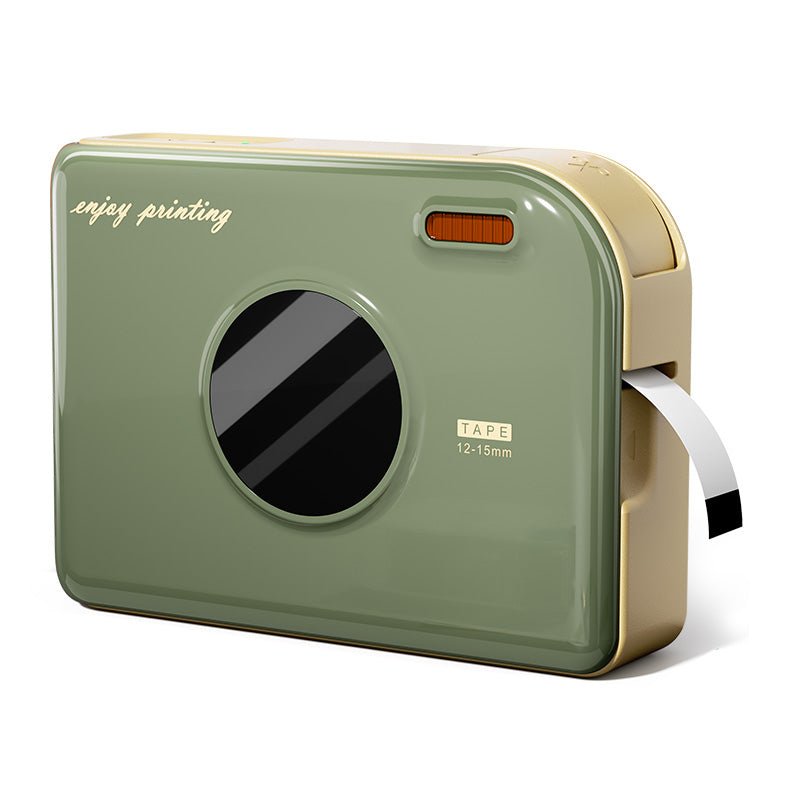 PHOMEMO RAND DRUCTER A30 Tragbarer Home -Label -Hersteller
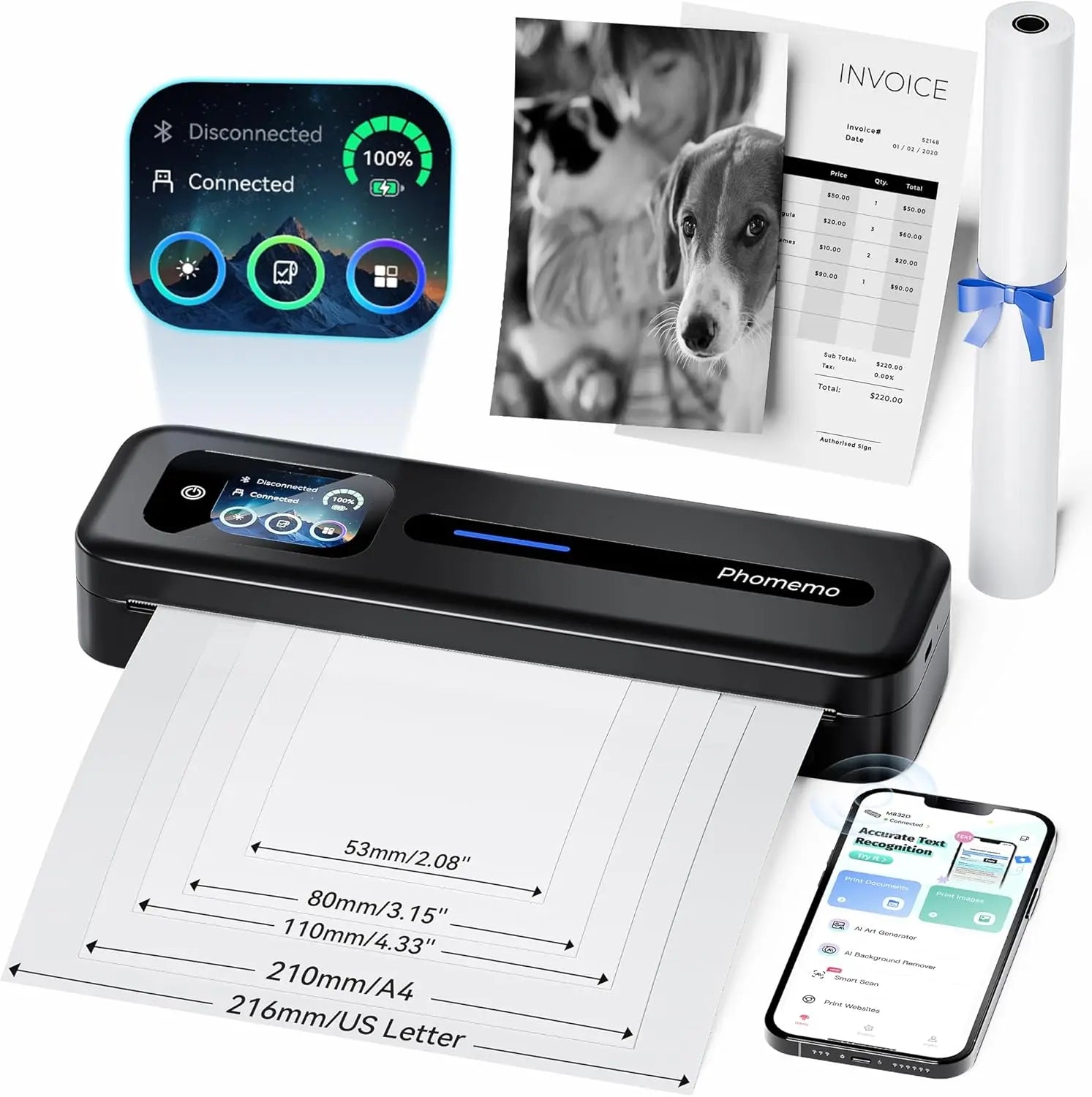 PHOMEMO Thermal tragbarer Drucker M832D Aktualisierter direkter Touchscreen
 Phomemo M08F Plus kabelloser Tattoo-Schablonendrucker mit Touchscreen
 Phomemo 2" Mehrere runde Thermoetiketten für Versandetikettendrucker
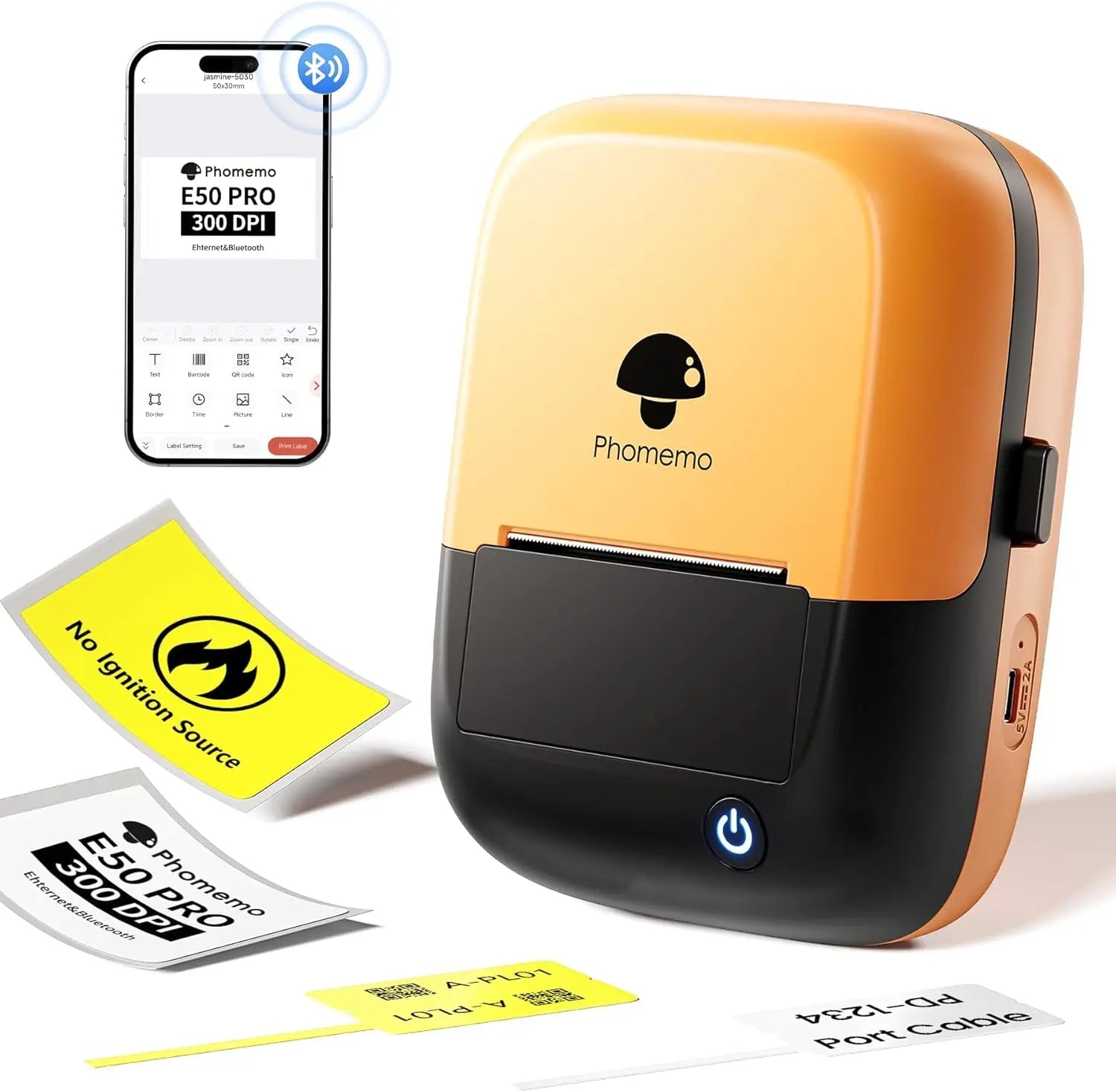 Phomemo E50Pro Industrial Bluetooth Portable Label Maker
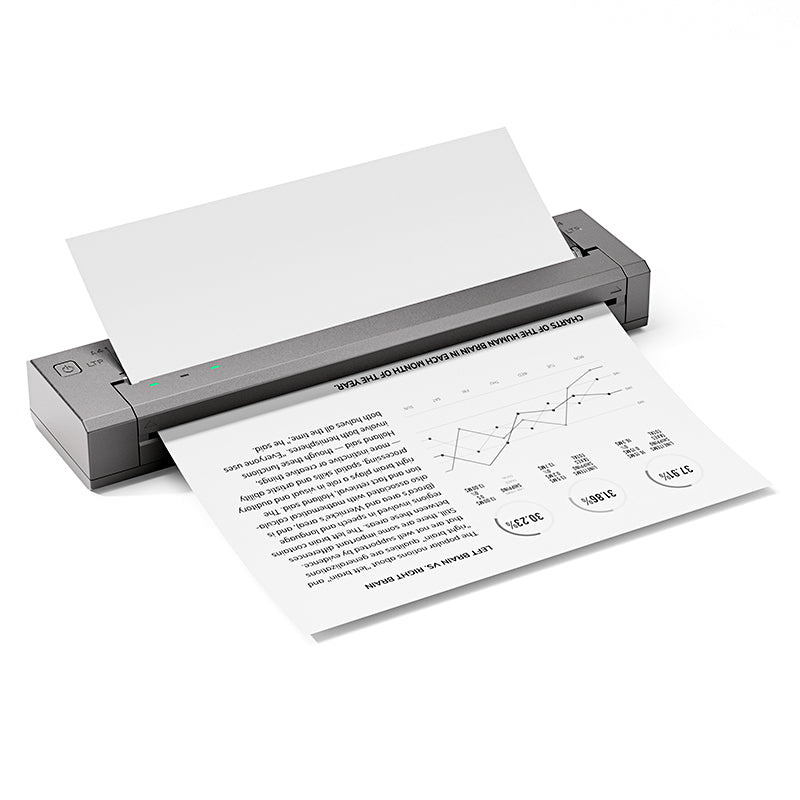 Phomemo G100 Pro Direkt-Thermodrucker, tragbar
 Phomemo PM64D Bluetooth Versandetikettendrucker mit verbessertem Direkt-Touchscreen
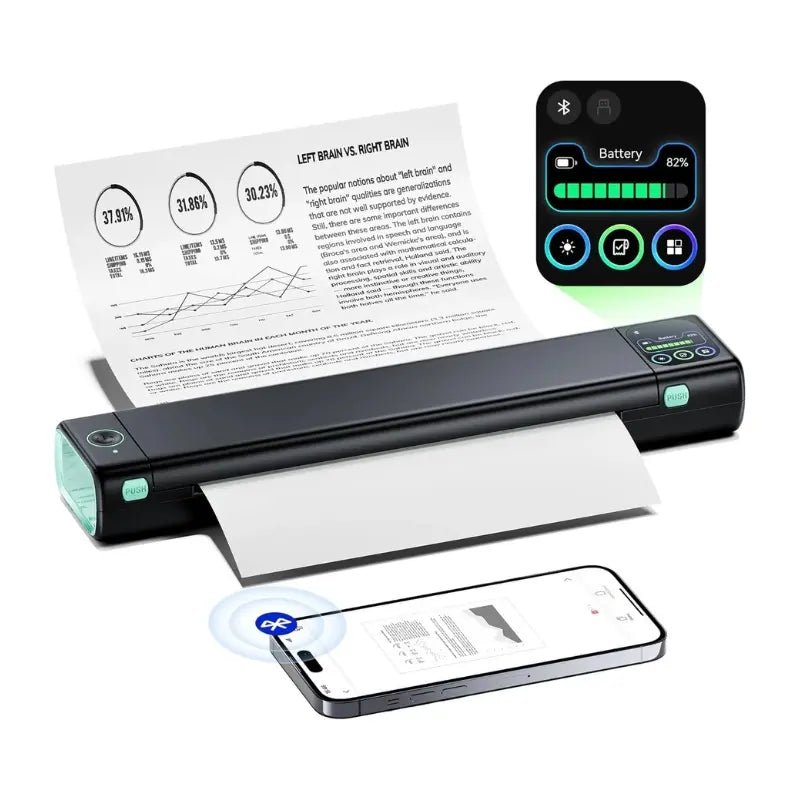 Phomemo Aufgerüsteter Tragbarer Drucker M08D Thermodirektdrucker
 PHOMEMO M02 MINI -Drucker Geschenkset
 PHOMEMO M02S MINI -Drucker Geschenkset
 Phomemo M110
  PHOMEMO M02 Pro Mini -Drucker Geschenkset
 Phomemo D30
  Zubehör
 Lagerbeutel
 Speicherboxen
 Markierungen des Glaubens | Eine symbolische Tattoosammlung von Geist & Stärke | Tattoo Flash -Set
 Tinte & Bloom | Eine Sammlung eleganter Schatten und florale Emotionen | Tattoo Flash -Set
 Klinge des Oni | Innere Dämonen entfesselt | Tattoo Flash -Set
 Wilde Symbole | Mini Tattoo Set von Tieren, Herzen & Ikonen | Tattoo Flash -Set
 An deiner Seite | Tattoo Flash -Set
 PHOMEMO M08F Wireless Tattoo -Schablonendrucker
 PHOMEMO TP81 Wireless Tattoo -Vorlagendrucker
 Phomemo TP31
  PHOMEMO TP87 Wireless Tattoo -Vorlagendrucker
 PHOMEMO M02 Tintener Mini -Drucker
 Phomemo M02 PRO
  Phomemo M02S
  PHOMEMO M04S MINI Thermaldrucker
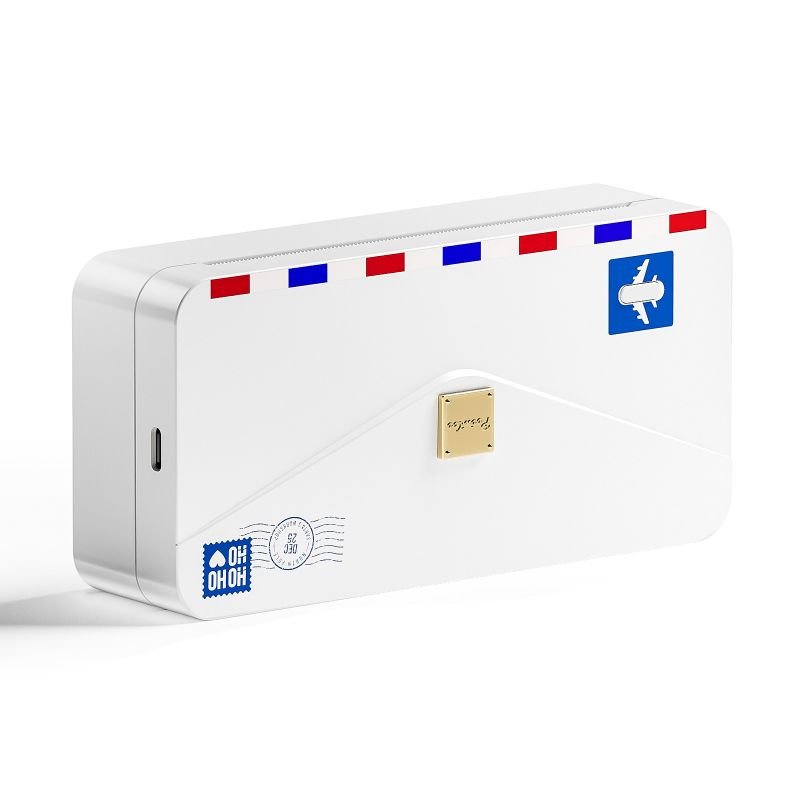 PHOMEMO M04AS MINI Thermaldrucker
 Phomemo D30 Tragbar
  Phomemo P12 Pro
  PHOMEMO P15 Vintage Home Label Maker
 PHOMEMO D50 Großer Home -Label -Hersteller
phomemo
PHOMEMO TP83 Wireless Tattoo -Schablonendrucker
- Kompakt und leicht: Wiegt nur 715, Größe 310 x 67 x 40 mm
- Große Batteriekapazität: Lithiumbatterie, 1200 mAh
- Anpassung an Papier in mehreren Größen: Maßgeschneidert für Tätowierer, kompatibel mit Letter/A4 Tattoo-Transferpapier
- Ultrahohe Druckeffizienz: Bis zu 110 Seiten Dauerdruck nach dem Aufladen, mit einer Druckgeschwindigkeit von 12 mm/s.
- Hohe Kompatibilität: Kompatibel mit iOS- und Android-Handys, Tablets, Laptops, Desktop-Computern und anderen Geräten
- Leistungsstarke App-Funktionsunterstützung: Dokumentendruck; Bilddruck; Webdruck; Scannen
- Hohe Auflösung: 203 dpi, tiefe Farbbilder, gleichmäßige Druckergebnisse und schnelle Verarbeitung
- Tintenloser Druck: Thermotechnologie, keine Tinte, Toner, umweltfreundlicher und effizienter
Erfahren Sie mehr
Kostenloses Geschenk

Gift PHOMEMO -Tattoo -Transferpapier für M08F/TP81/TP83/TP87 Tattoo Drucker
$0.00
$24.49
Phomemo 2024 Upgraded TP83 Wireless Tattoo Stencil Printer
1. Phomemo TP83 Bluetooth tattoo printer machine comes with 10 sheets transfer paper, start your tattoo creation right now!
2. The TP83 thermal tattoo printer can print A4 size (8.27 x 11.69 inch) and Letter size (8.5 x 11 inch) .
Compatibility with Your Devices


TP83 Tattoo Printer – How to Use

Step 1: Prepare the Transfer Paper
Gently remove the clear top sheet and pull out the yellow layer from the stencil paper.

Step 2: Connect Your Device
Download the app, then link your smartphone to TP83 using Bluetooth. Use a USB cable if connecting to a computer.

Step 3: Load and Print
1. Press and hold the power button for 2 seconds to power on the printer.
2. Load the transfer paper: white side up, carbon side down, aligned straight in the feed.
3. Choose your design in the app and start printing.

Step 4: Apply the Tattoo
Trim your printed design. Apply stencil solution to the skin, then place the design. Wipe away any extra ink with alcohol after transfer.

Frequently Asked Questions
Is the Phomemo M08F suitable for professional tattoo artists?
Yes. The Phomemo M08F is designed for professional tattoo artists who need consistent stencil quality in studios, guest spots, and mobile tattoo sessions. It delivers clean, sharp stencil lines suitable for detailed tattoo work.
What devices can I use with the M08F tattoo printer?
The M08F works with iOS, Android, Windows, and macOS devices. Tattoo artists can easily print stencils directly from smartphones, tablets, or laptops using Bluetooth or USB connections.
Can the M08F handle fine line and detailed tattoo designs?
Yes. With high-resolution thermal printing, the M08F accurately reproduces fine lines, small text, and detailed tattoo artwork, making it ideal for realism, linework, and lettering styles.
What type of tattoo stencil paper should I use?
The M08F is compatible with standard thermal tattoo transfer paper commonly used in professional tattoo studios. No ink or toner is required.
Is the M08F tattoo printer portable for guest spots or conventions?
Yes. Its lightweight and compact design makes the M08F easy to carry for conventions, guest tattoo sessions, and on-site work.
Does the M08F require ink or cartridges?
No. The M08F uses direct thermal printing technology, so there is no need for ink, ribbons, or cartridges.
How reliable are the stencils for long tattoo sessions?
When printed on quality thermal transfer paper, M08F stencils remain clear and stable throughout extended tattoo sessions.





