
 Impresora de etiquetas de envío Bluetooth Phomemo PM241-BT
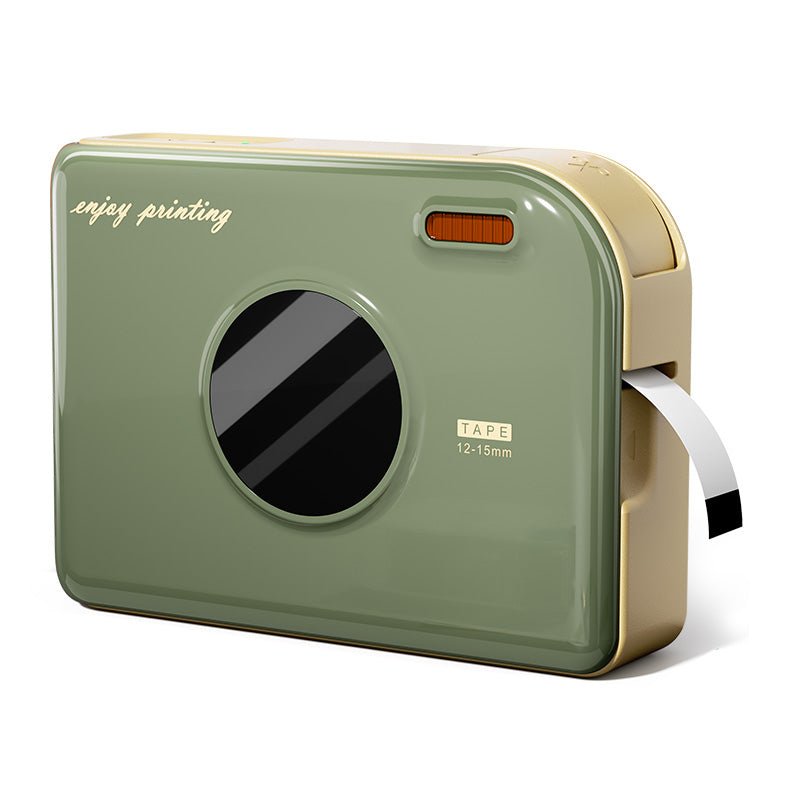 Impresora de Cintas Phomemo A30 Etiquetadora Portátil para el Hogar
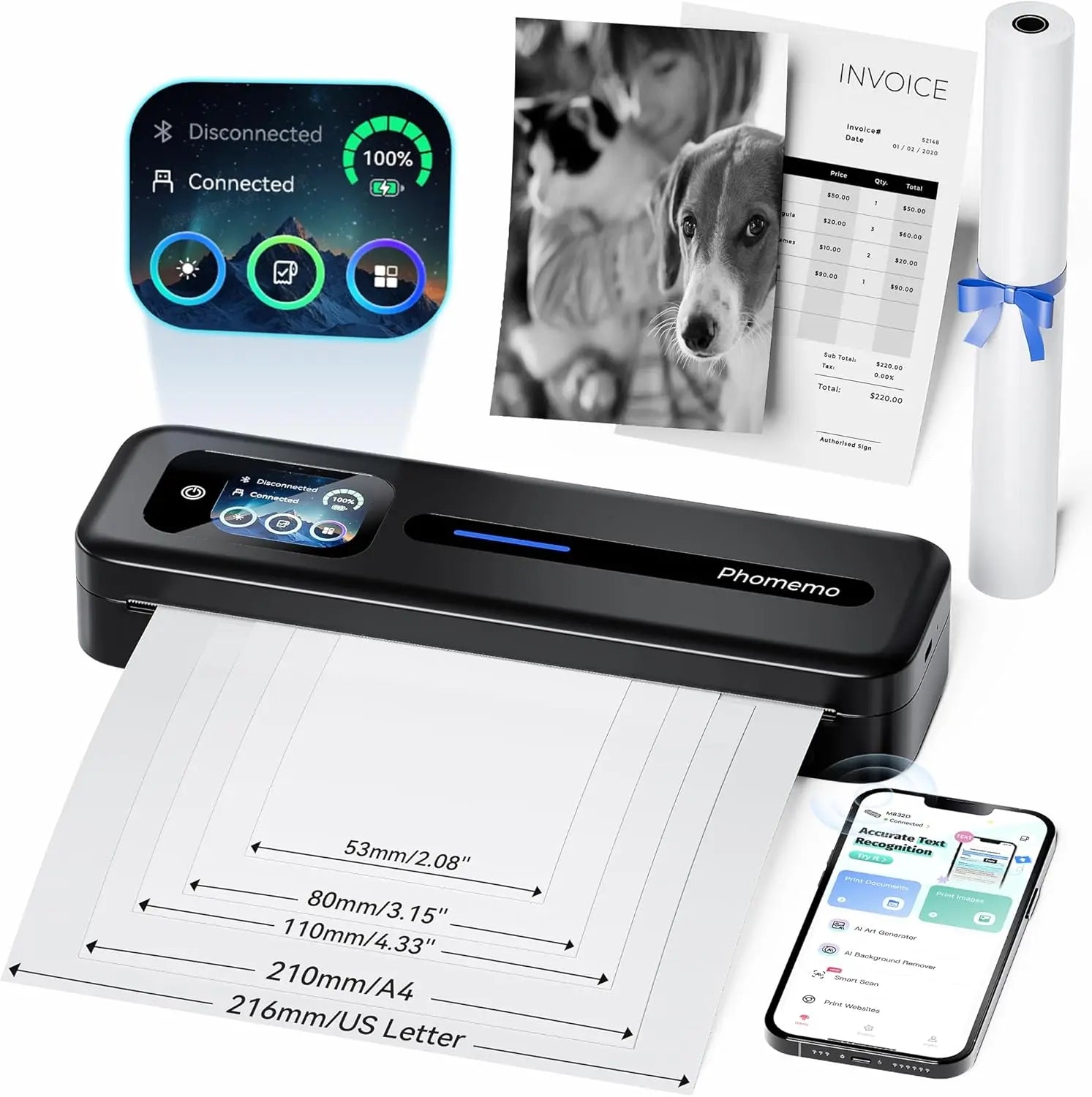 Impresora portátil térmica Phomemo M832D con pantalla táctil directa mejorada
 Phomemo M08F Plus Impresora inalámbrica de plantillas para tatuajes con pantalla táctil
 Phomemo Etiqueta redonda térmica múltiple de 2" para impresora de etiquetas de envío
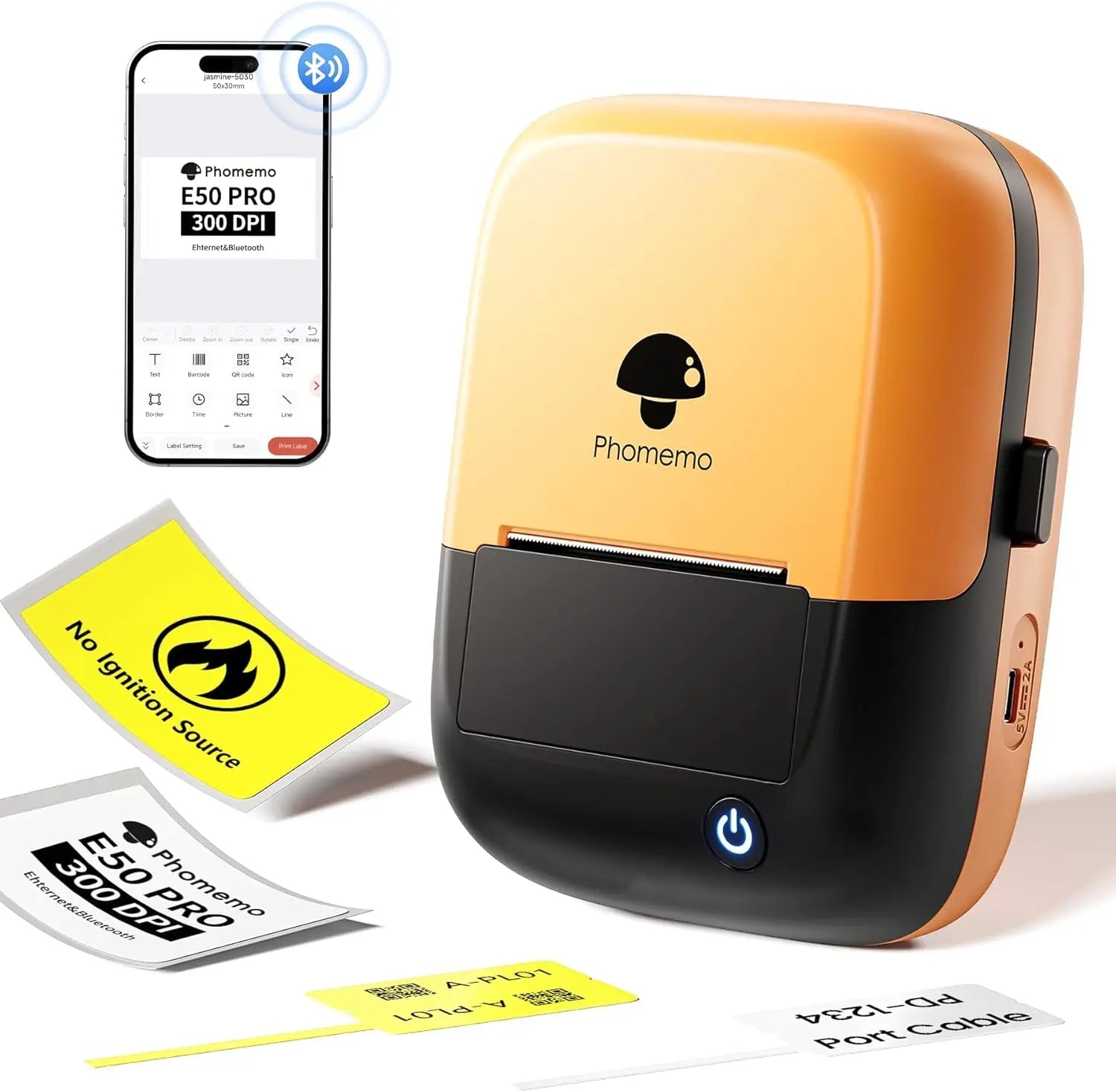 Phomemo E50Pro Industrial Bluetooth Portable Label Maker
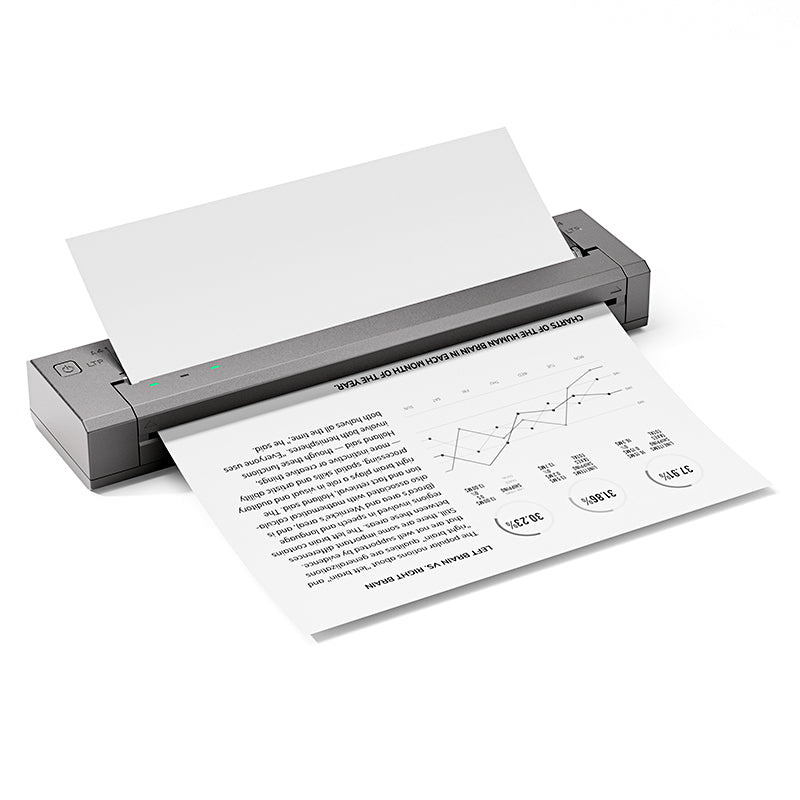 Phomemo G100 Pro Impresora portátil térmica directa
 Phomemo PM64D Impresora de Etiquetas de Envío Bluetooth Pantalla Táctil Directa Mejorada
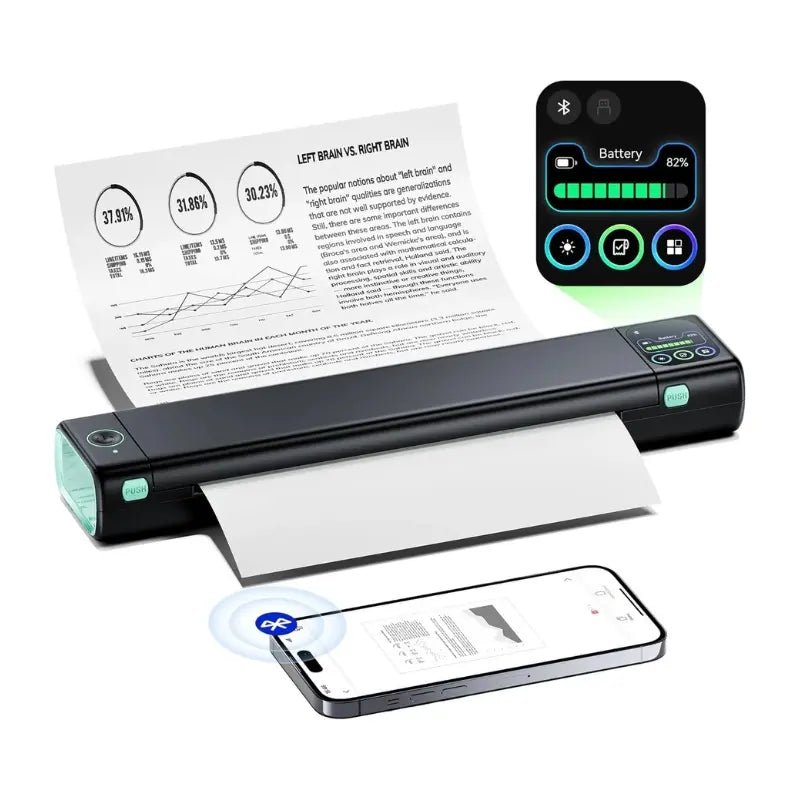 Impresora portátil mejorada Phomemo M08D Impresora térmica directa
 Set de regalo de impresora mini Phomemo M02
 Set de regalo de impresora mini Phomemo M02S
 Set de regalo Phomemo M110 impresora de etiquetas Bluetooth
 Phomemo M02 PRO Mini Impresora Set de Regalo
 Phomemo D30 Impresora de Etiquetas para el Hogar Bluetooth y Set de Regalo con 3 Rollos de Etiquetas
 Accesorios
 Bolsas de almacenamiento
 Cajas de almacenamiento
 Marcas de Fe | Una Colección Simbólica de Tatuajes de Espíritu y Fortaleza | Conjunto de Flash para Tatuajes
 Ink & Bloom | Una Colección de Sombras Elegantes y Emoción Floral | Set de Flash para Tatuajes
 Blade of the Oni | Demonios Internos Desatados | Set de Flash para Tatuajes
 Símbolos Wild | Mini Set de Tatuajes de Animales, Corazones e Iconos | Set de Flash para Tatuajes
 By Your Side | Conjunto de Flash para Tatuajes
 Phomemo M08F Impresora inalámbrica de plantillas para tatuajes
 Phomemo TP81 Impresora inalámbrica de plantillas para tatuajes
 Phomemo TP31 Impresora Mini de Plantillas para Tatuajes Bluetooth
 Phomemo TP87 Impresora inalámbrica de plantillas para tatuajes
 Phomemo M02 Impresora Mini Sin Tinta
 Phomemo M02 PRO Impresora Mini Bluetooth
 Phomemo M02S Impresora Mini Bluetooth
 Phomemo M04S Mini Impresora Térmica
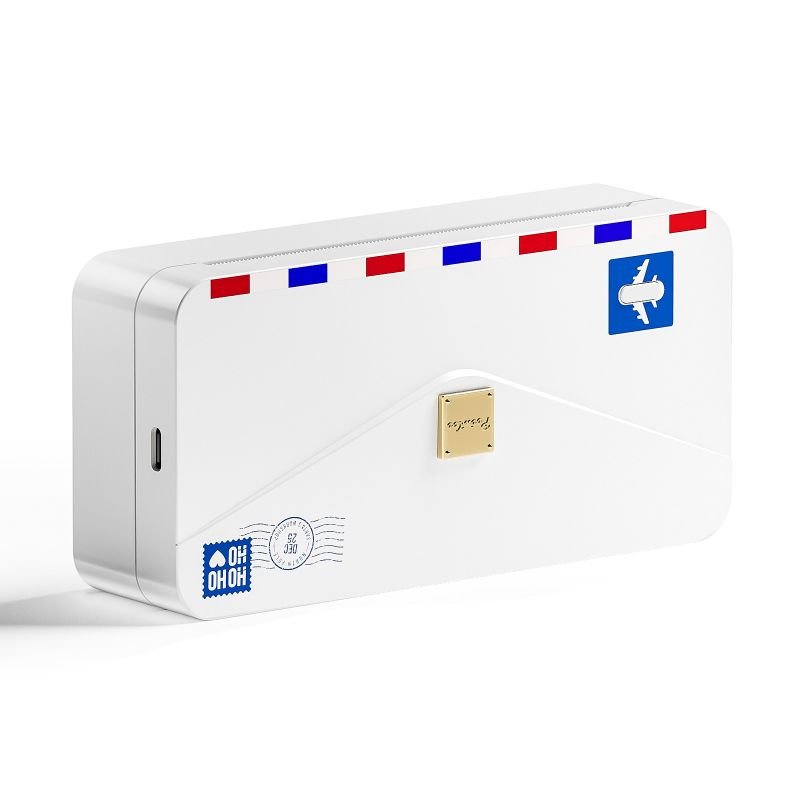 Phomemo M04AS Mini Impresora Térmica
 Phomemo D30 Etiquetadora portátil Bluetooth para el hogar
 Phomemo P12 Pro Impresora de Etiquetas Bluetooth para el Hogar
 Phomemo P15 Etiquetadora Vintage para el Hogar
 Phomemo D50 Gran Impresora de Etiquetas para el Hogar
Phomemo
Phomemo D30 Etiquetadora portátil Bluetooth para el hogar
$5.79
Save EXTRA $5.79 with our discount code.
Code: BCF20 Copy Code
- Etiquetas Personalizables: Crea etiquetas únicas fácilmente usando la aplicación Print Master y la amplia biblioteca de recursos, compatible con Android, iOS y tablets.
- Versátil para Cualquier Escenario: Etiqueta los útiles escolares de los niños, organiza las tareas del hogar y pon orden en cada rincón de tu vida.
- Regalo Perfecto para Seres Queridos: Un gadget divertido y práctico que hace que etiquetar sea fácil y agradable para amigos y familia.
- Impresión en Movimiento: Compacto y ligero con solo 153g y una batería de litio con duración de 1.5 horas. Cabe fácilmente en tu bolso para etiquetar donde quieras. La etiquetadora inteligente phomemo D30 mide 131.5 × 75 × 29mm.
- Impresión sin Tinta y Sin Complicaciones: La impresión térmica ofrece etiquetas nítidas sin cartuchos de tinta. Ecológico, limpio y fácil de usar.
Aprender más

Widely Use in Life & Work


Multiple Kinds of Labels

DIY Your Labels with "Print Master APP"

What's in the box?

How to Use the Phomemo D30 Home Label Maker to Print Labels?
Step 1. Turn the Power On
Long press the power button for 3 seconds. The light will turn green when it is on. (Make sure the label machine has sufficient charge before first use.)

Step 2. Install the Label Roll
1. Open the top cover of Phomemo D30 label machine from the right side.

2. Insert the label paper roll into the Paper compartment, the sticker side facing up. Confirm the label size on the sticker.

3. Leave a small length of the paper roll sticking out of the outlet.

Step 3. Connect to Your Mobile or Tablet
1. Turn on Bluetooth on your device.
2. Open the Print Master APP.
3. Tap the Connect Button on top-left.
4. Connect the Phomemo D30 shown in the list.

Step 4. Print Labels on Print Master
1. Pick the Label Template On Home or Create a New Label by yourself.
2. Choose the label size of paper roll you installed in Step 2.
3. Customize the Label in the functional Print Master editor.
4. Tap Print Label to the Print Preview.
5. Set the number of copies you need and adjust the offset if necessary. (If the alignment is correct, no adjustment is needed.)





