


Many people use labels as a tool when sorting and storing various objects. Even if it is a messy workbench, if there is a label classification, the efficiency in work will be greatly improved. As for the equipment for making labels, in addition to traditional handwritten labels, some intelligent label printers have also appeared in recent years, which can more conveniently customize personalized performance to meet the needs of different tendencies in use.
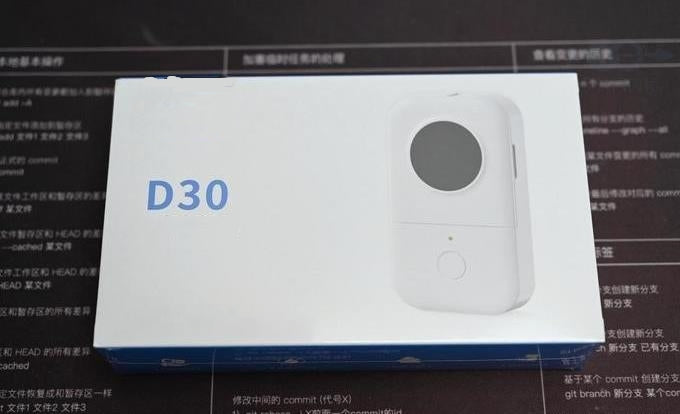
I recently tried a Phomemo D30 label printer. The operation of this label printer is relatively simple, and it also provides ample space for customization. The printing method used is also common thermal paper, which can be pasted in many ways. For all kinds of objects, it is a very useful gadget for friends who have more small objects at home.
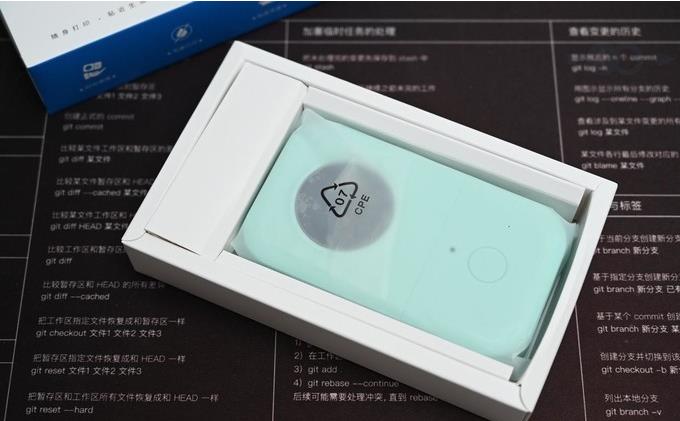
The price of this label printer is also cost-effective and is easy for anyone to use, the packaging looks very simple, the use of the above is mainly completed through the App which called “Print Master” on the mobile phone via Bluetooth connection. The label printer is powered by a rechargeable lithium battery, and the charging adopts Micro USB interface, the corresponding charging cable is also included in the accessory.
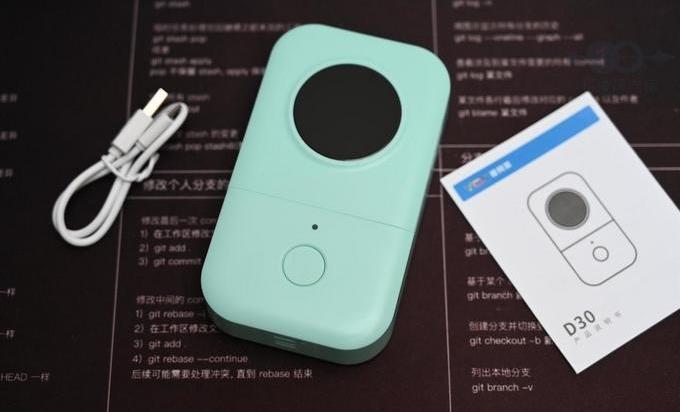
Currently Phomemo D30 has three colors to choose from, namely white, green and pink. For example, this one is a mint green version. The overall design of the Phomemo D30 is relatively simple, and the style is a bit biased towards the feel of a toy camera, and the body shell feels better.
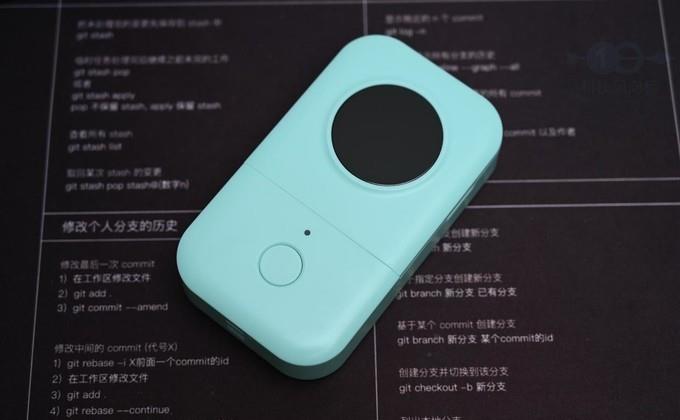
Before use, let's take a look at the body mechanism of Phomemo D30. The front of this label printer is divided into two parts. The upper side is the paper compartment cover that can be opened to replace the label paper, and there is a black circular decoration in the middle.
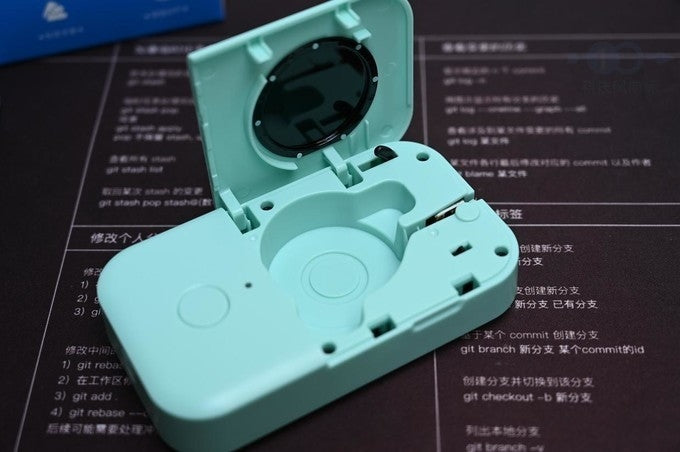
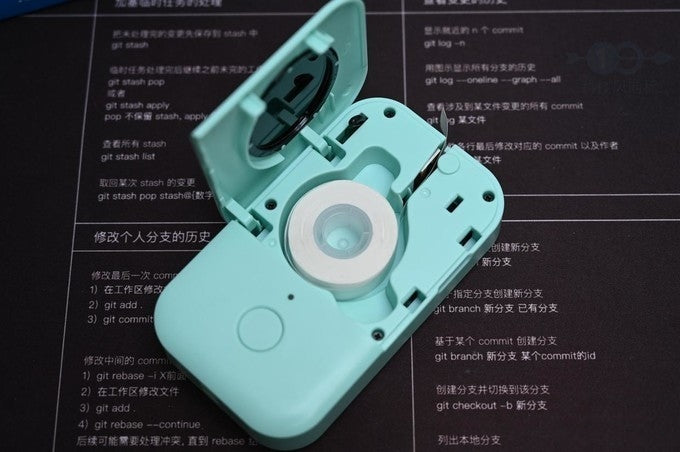
After opening the paper compartment of the label printer, place the label paper in the center, and then pull the label slightly to the opening at the top. The operation is very simple. The manual also provides the necessary instructions, so it is easy to use.
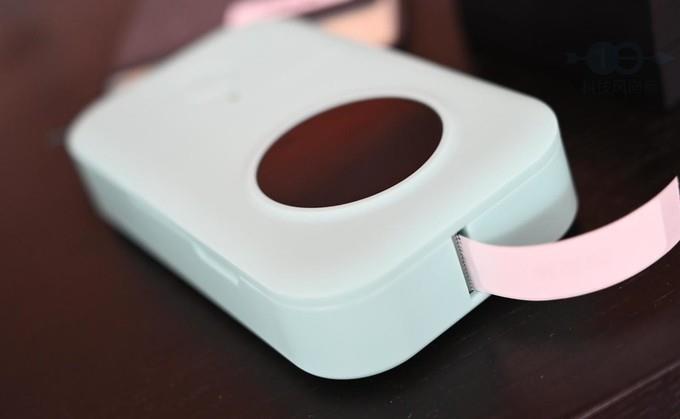
After the label is printed, you can tear off the label through the serrations of the paper outlet. At the same time, the label paper itself is also a small piece of 14x37mm, which is easy to separate and combine, and there are also a variety of colors to choose from, which is very suitable for all kinds of storage and classification.
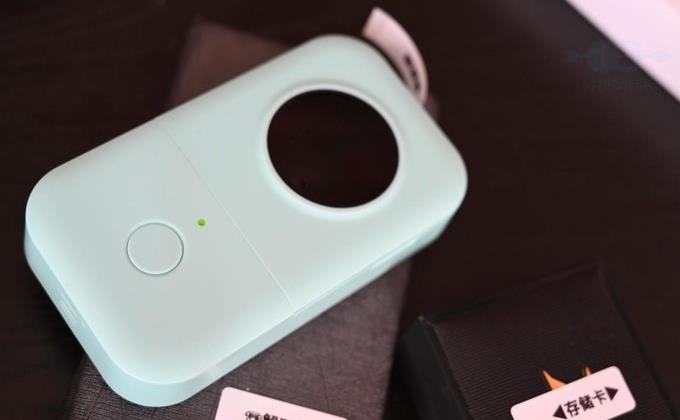
There is an LED light and a power button on the lower side of the front of the label printer. Long press the power button to turn on the label printer, and there will be a chord tone prompt. In the case of normal printing, the LED light will turn green after booting. If the paper bin cover is not closed, the LED light will turn red and there will be a corresponding pop-up prompt on the application side.
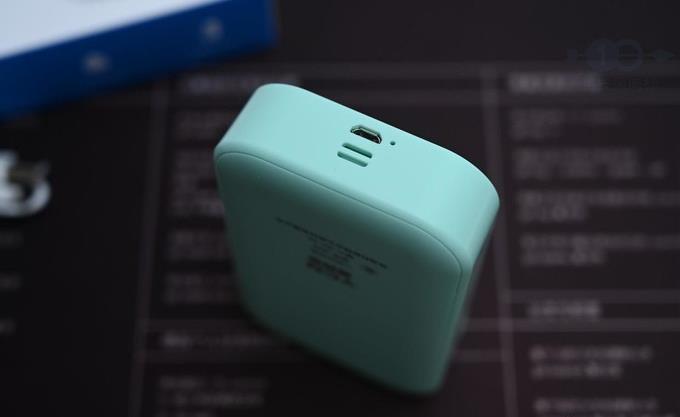
Finally, there is a charging port at the bottom of the label printer. The battery capacity of Phomemo D30 is 1200mAh, which has good battery life. In addition, there is a place for wearing a lanyard at the bottom of the Phomemo D30 label printer, which is also very convenient for storing or going out.
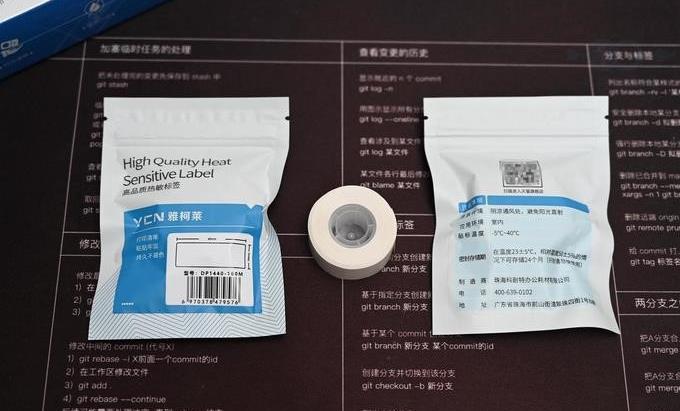
The printing paper used in Phomemo D30 is a special label paper, and Phomemo provides a richer color selection. The APP used for operation is "Print Master". After downloading, you need to register to use it. Although registration is very convenient, it does increase a lot of trouble for friends who don’t have internet around, and the Phomemo print server has also become a later use One of the hidden dangers.
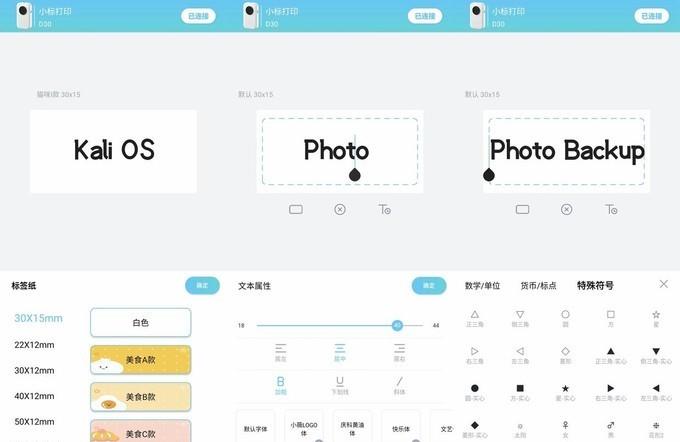
After entering Phomemo to print, you can see a very intuitive editing page. The center is the editing area of the printed content. The format of the content, such as font and font size, can be adjusted during use, and the template can also be saved for later reuse and settings After that, you can directly click the "Print Label" button to print. I believe that many friends can directly use this operation.
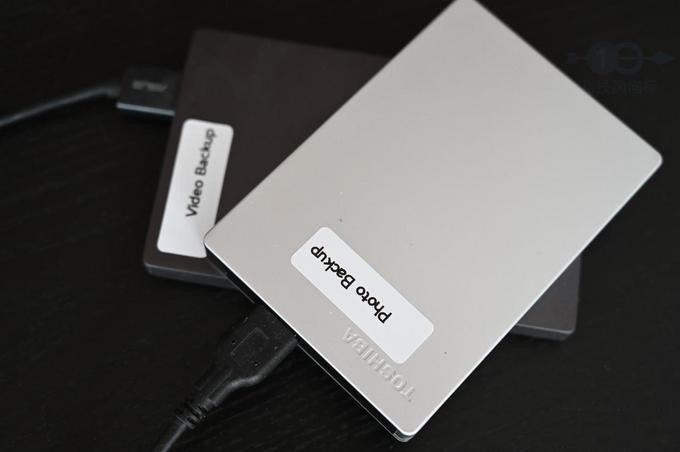
The printing speed of Phomemo D30 is very fast. A label can be printed out in almost less than a second. The efficiency is very high. In addition, the printed label can also be used for a long time. It can be torn off and pasted when needed, and another label is printed. The area is also very large, you can print two lines, for some daily necessities with expiration date, you can easily mark the expiration time, which is convenient for daily use.
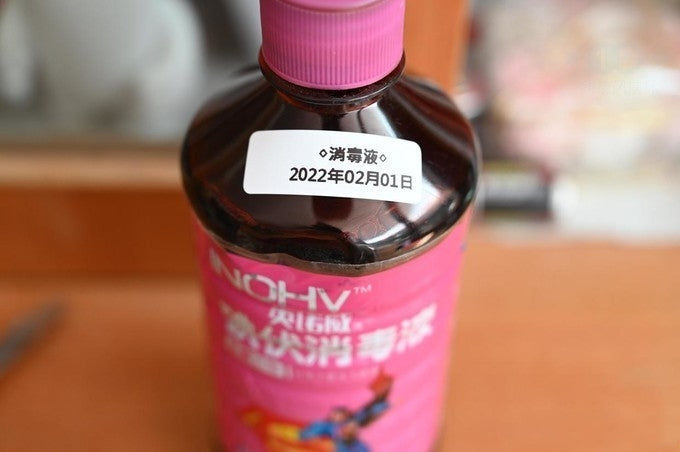
Many objects in life can be identified by tags, such as various commonly used mobile hard drives, or similar-looking foods, and consumables that are not easy to distinguish between production time, etc., after being tagged, they can be more clearly identified. Thereby reducing the cost of trial and error. In this way, after labeling, even if various objects and storage boxes are still a bit messy, they can be found quickly when needed.
As a small tool that is very suitable for storing and sorting, the Phomemo D30 label printer is quite good in design and many personalized settings, and the operation is also very simple, and the starting cost is not high. For friends who often need to make labels It is very suitable. It is helpful to organize small objects, or mark some ingredients or collections.





Comment list
(2)My D30 label printer will not print the colour themed backgrounds and borders. Why would this be the case?
Fiona Smith July 09, 2024I am trying to use my new D30 printer, up there is a message permanently on the screen telling me to ‘double click to edit text’. I can’t get rid of it and when I type in t txt, it is overplayed by this message. How do I erase it?
Angela Roberts April 11, 2025